I spent five years as a working locksmith in Columbus, Ohio, rekeying deadbolts for landlords and drilling out seized cylinders at 7 a.m. in February weather. Around 2021 the phone calls changed. Landlords stopped asking me to cut spare keys and started asking whether a code could open the door instead. I bought my first smart lock for an Airbnb after one too many guests lost a key, and that install broke something loose. I have now installed over 300 smart locks and doorbells for landlords, hosts, and rental properties around central Ohio.
The question that fills my inbox now is which WiFi smart locks with cameras actually belong on a front door. These four keep landing in the same search results, and they solve the same problem in four different ways. One is a keypad deadbolt with a handle and no camera at all. The other three bolt a camera, a doorbell, or both onto the lock itself.
The short answer for most people: buy a keyless lock with a keypad backup and a camera you can live with. The camera earns its keep every day, and the keypad saves you the night your phone dies. The long answer is about install time, pairing order, and whether your door needs a full handle replacement or just a deadbolt.
Related: Smart Lock Gateway Pairing Order Explained

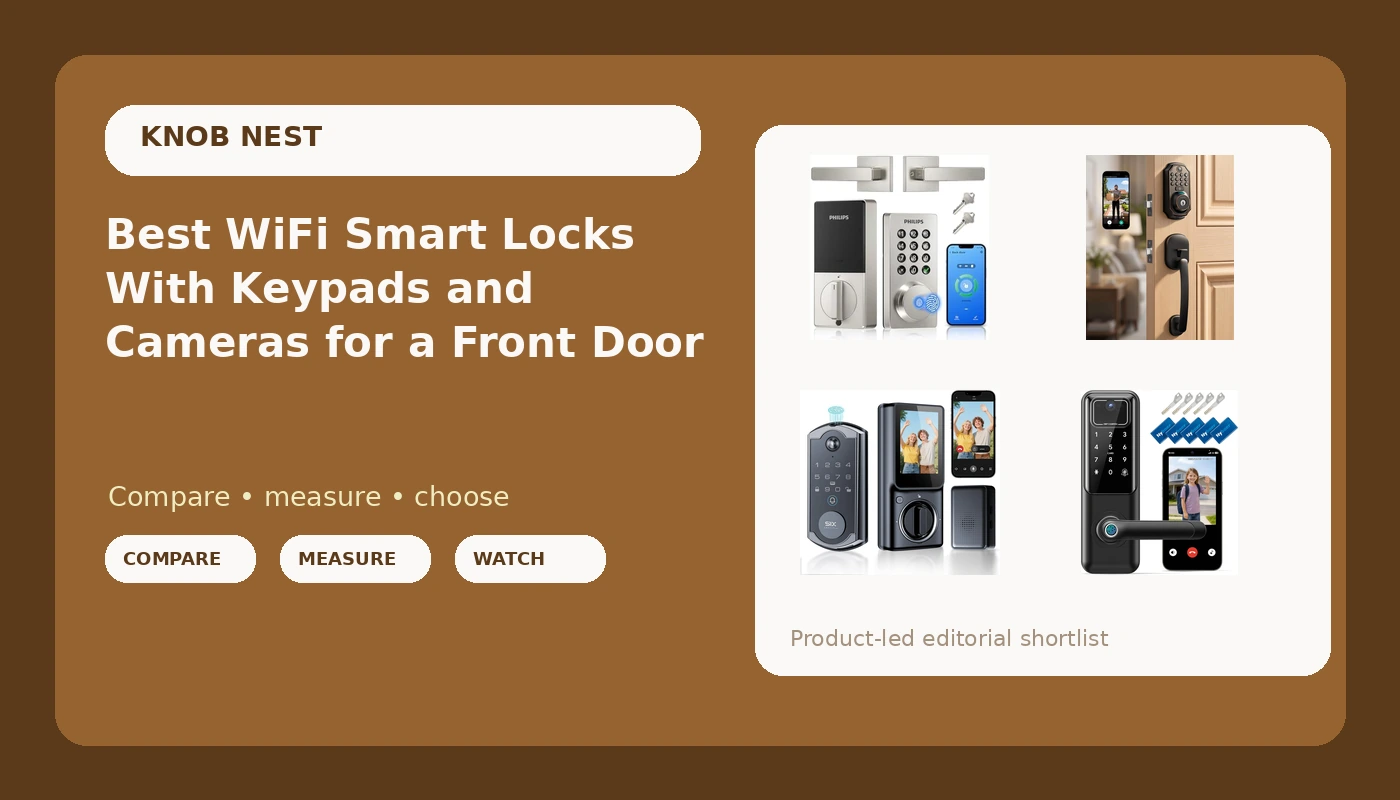
Philips WiFi Keypad Deadbolt with Handle
Native WiFi and a handle in one box, no bridge to plug in
No camera, so it does not cover your porch
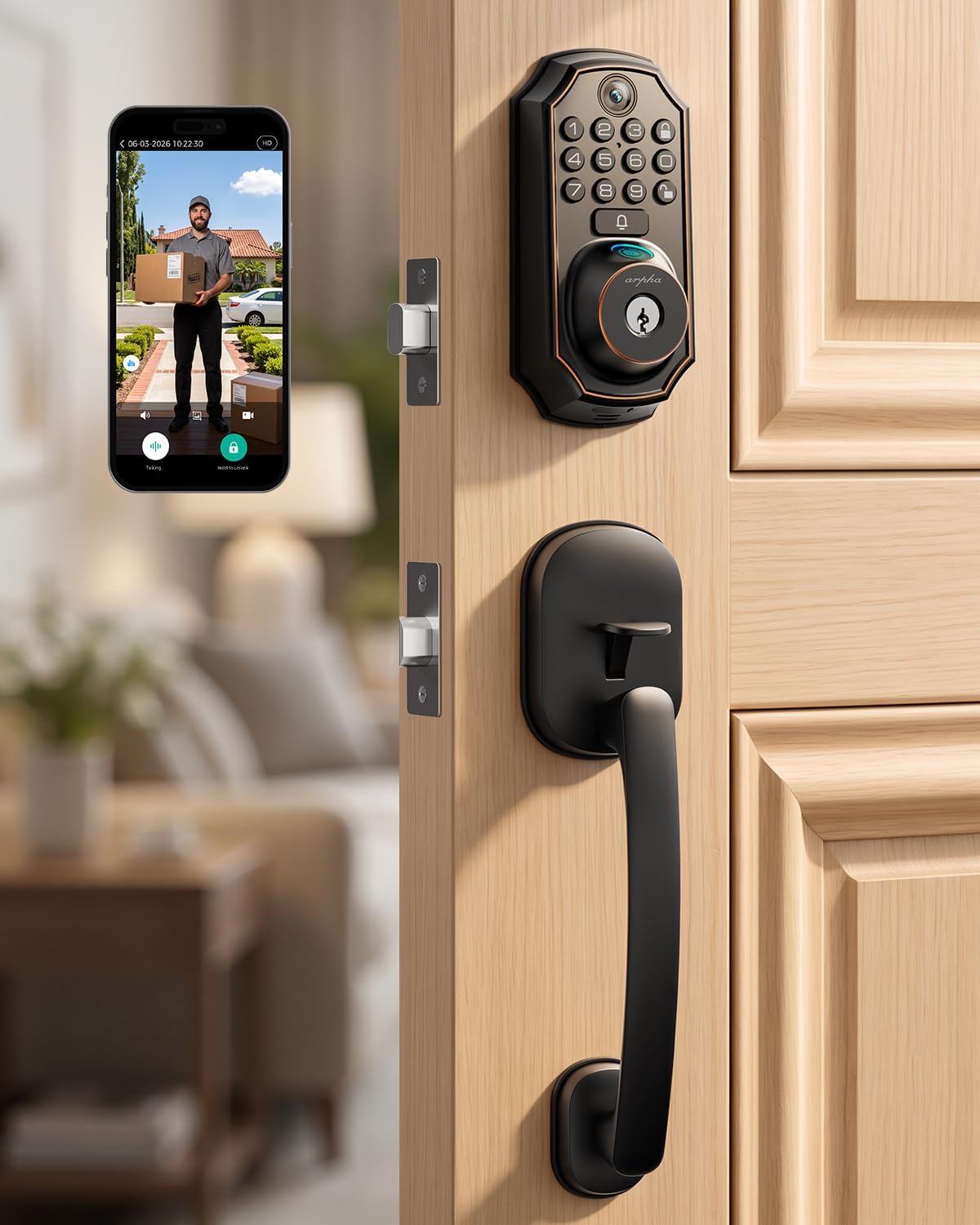
WiFi Video Smart Lock with Handle, 5-in-1 Keyless Deadbolt
Camera and a full handle set, five entry methods
The five methods are only spelled out on the listing, no fingerprint listed
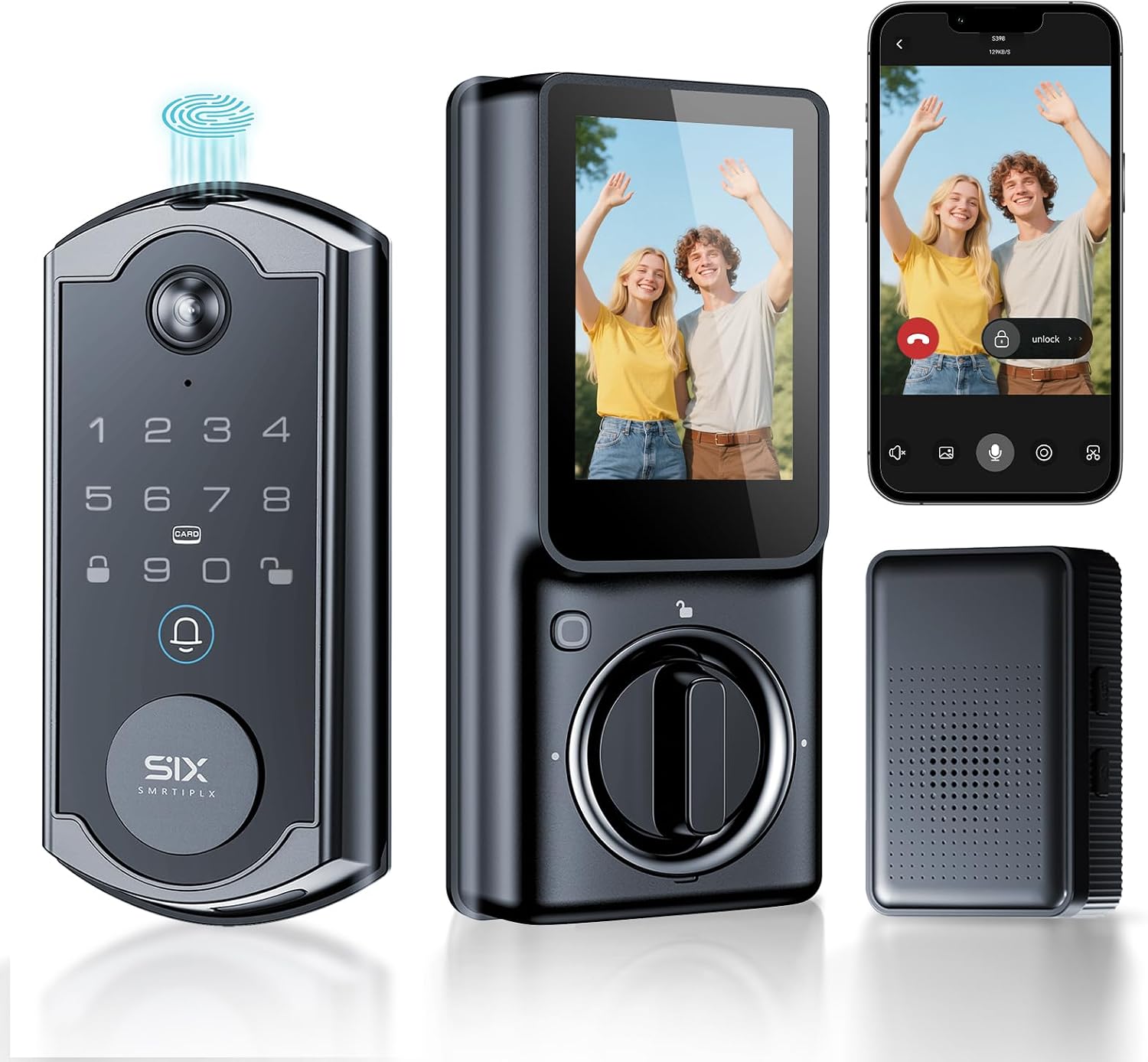
S398 Video Smart Lock, 4-in-1 Fingerprint Door Lock with Camera and Video Doorbell
Most features here: fingerprint, camera, indoor monitor, chime included
Bigger interior assembly to fit behind the door
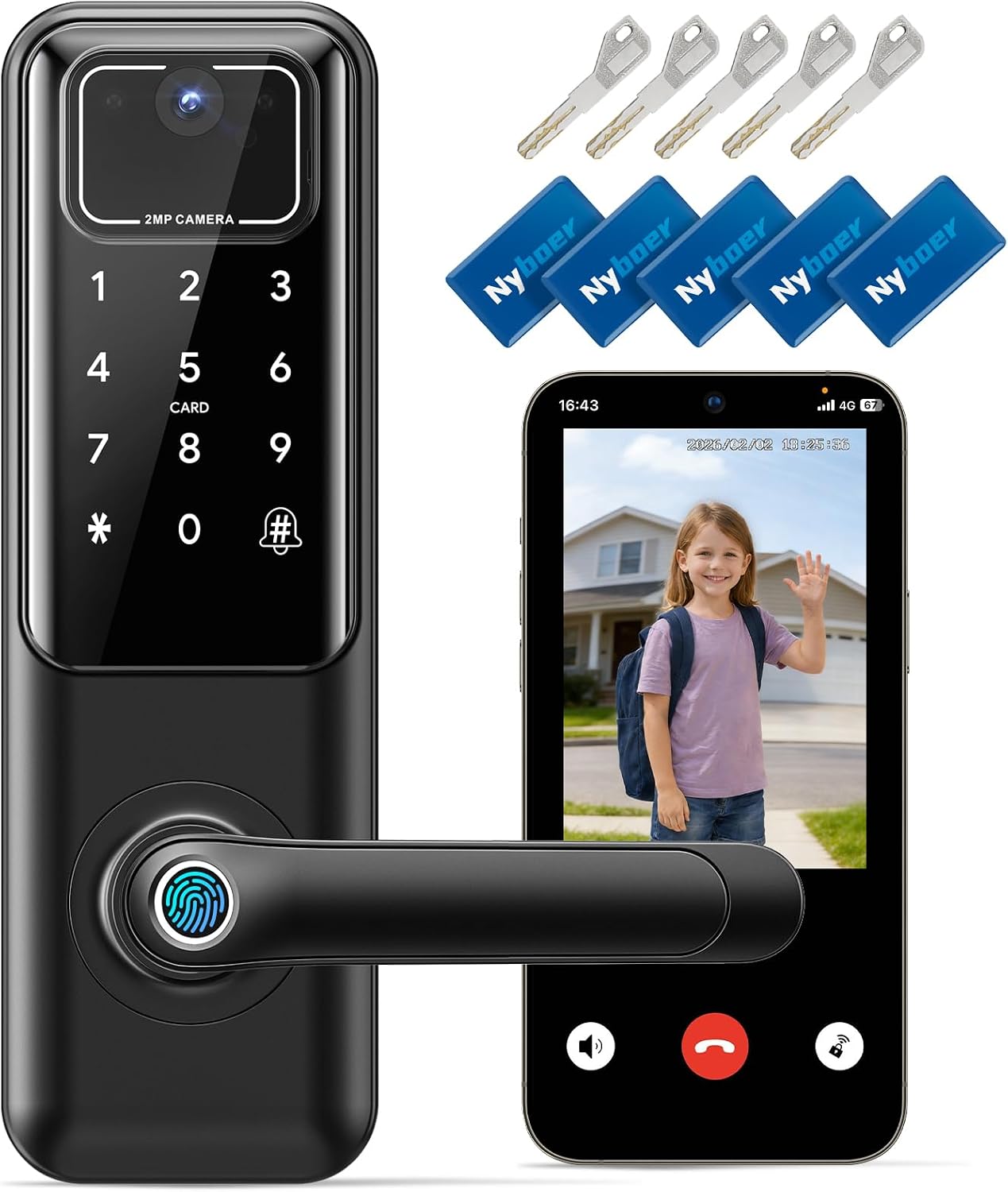
WiFi Video Smart Keypad Door Lock with Camera and Doorbell
Keypad-first design that suits guest turnover
No handle and no fingerprint listed
Prices and availability were captured from Amazon Creators API and may change.
What actually matters on a front door
A lock's job is to let the right people in and keep everyone else out. Every smart feature is decoration until the deadbolt throws fully into the strike plate. After every install I close the door, set the lock, and pull. If the bolt does not seat, the door looks locked and opens with a credit card. That check matters more than any app screenshot.
Installation is the second thing. The locks in this comparison all list easy installation, and the ones that replace your existing deadbolt only are the fastest to fit. A unit that comes with its own handle means you are pulling the whole handleset, which is a bigger job but also a cleaner look if your old handle is loose or ugly.
Third: know your bore. A deadbolt-only lock drops into the 2 1/8 inch hole you already have. A handle set needs the cross bore too, and if your door has an odd backset or a metal frame with a welded strike, you will be drilling or filing. I have spent more evenings on strike plates than on pairing.
Built-in WiFi versus a bridge
Every lock here advertises WiFi, and that word hides a real difference. Built-in WiFi means the lock talks to your router directly. The Philips unit is the one here that spells that out in the name, and it is the reason it needs no bridge, no hub, and no extra outlet. You unbox it, you mount it, you put it on the network.
Other WiFi locks get there through a bridge or a hub, or they lean on Bluetooth for local control and WiFi for remote access. That is not a dealbreaker, it is just one more thing to plug in and one more thing to pair. If a lock needs a bridge, the bridge is often sold separately, and that is the kind of detail that turns a good deal into a return.
The other fine print is the band. Almost every smart lock speaks 2.4GHz only. If your router broadcasts one merged network name or pushes devices toward 5GHz, the lock will sit there blinking and the manual will not explain why. I keep a guest network on 2.4GHz purely for locks and doorbells. It has saved me dozens of support chats.
Camera, keypad, or fingerprint: the real feature split
Three of these four have a camera. The Philips is the odd one out, and that is a deliberate trade: you get a handle, a keypad, and native WiFi, and you give up the porch view. If you already have a doorbell camera, that trade makes sense. If you do not, you are buying a lock and still need a camera.
The S398 is the only one here that lists a fingerprint reader, and it also lists an indoor display monitor and a chime in the box. Fingerprint entry is fantastic for the first six months, and then the reader starts missing on wet or worn fingers. That is the pattern I see over and over, and it is why I will not recommend a fingerprint lock without a keypad or a key as backup. This one has the keypad path covered.
The other two are keypad-first designs. The 5-in-1 lock promises five ways in, and the listing is where you confirm which five, because the name does not spell them out. The WiFi Video Smart Keypad lock is the most straightforward of the group: keypad, camera, doorbell, keyless entry, and nothing extra to configure.
Handles, fit, and what is in the box
Two of these come with a handle. That matters if your existing handleset is worn, wobbly, or keyed to a different cylinder than your deadbolt. Replacing both at once gives you one key, one code, and one app, and it eliminates the classic two-key front door.
The two deadbolt-only units keep the job small. You reuse your handle, you keep your finish, and you are done in twenty minutes if the bore is standard. The trade is that a loose handle stays loose.
Check the box contents either way. Missing deadbolt cover plates and strike plates are the most common reason a Saturday install turns into a hardware store run, and the listing photos are usually the only place the contents are documented.
The setup order that saves you a factory reset
This is the part the manuals bury on page 14 of a foldout nobody reads. Pair the lock to the app first. Then add the gateway or bridge, if there is one. Do it backwards and the lock will refuse to be found, and the fix is a factory reset that wipes every code you have set.
Two more rules from a guy who has done this a few hundred times. First, put the lock in pairing mode before you open the app, not after, and keep the phone within a few feet of the door. Second, if the lock never appears, do not keep tapping retry. Force close the app, confirm you are on the 2.4GHz network, and start over.
Auto-lock is the setting to turn on before you walk away. Set a 30 or 60 second delay and the door locks itself behind you. For a rental, that one toggle ends the most common phone call in property management: the tenant who forgot to lock up.
Auto-lock, guests, and rental turnover
If you host or rent, the deciding feature is not the camera. It is the code you can hand out and take back without driving across town. All four of these support keyless entry and app control, which means a temporary code for a cleaner, a contractor, or a guest, and a deletion when they leave.
The video models add a second layer for turnover: you can see whether the door was actually locked, and who came to it. The S398's indoor display puts that view on a screen inside the house, which is handy for anyone who does not want to dig out a phone at 11 p.m.
Battery life is the spec nobody tests properly. Log your battery percentage once a week for the first month. If it drops fast, your lock is fighting a stiff deadbolt or a misaligned strike, and the fix is the door, not the battery.
Where each one loses
Philips WiFi Keypad Deadbolt with Handle
No camera, no video, no porch view. You are paying for native WiFi, a keypad, and a handle in one box, which is a clean package if you already have a doorbell. If you do not, budget for one. Visit on Amazon →
WiFi Video Smart Lock with Handle
The 5-in-1 name is marketing shorthand, and the listing is the only place the five methods are spelled out. No fingerprint reader is listed, so plan on codes. It brings a handle and a camera together, which is the combination most front doors want. Visit on Amazon →
S398 Video Smart Lock
The most feature-dense lock here: fingerprint, camera, video doorbell, indoor monitor, chime included. More hardware means a bigger interior assembly, so measure the space behind your door and check that a storm door will still close. Visit on Amazon →
WiFi Video Smart Keypad Door Lock with Camera and Doorbell
Keypad first, camera second, no handle and no fingerprint listed. It is the simplest story of the three camera locks, and the one I would hand to a guest-heavy Airbnb where codes change weekly. Visit on Amazon →
Who should buy which
If you want one box and no bridge, the Philips is the least fussy install of the group, and the handle is a bonus. If you want the porch view plus a handle without adding a fingerprint reader to the mix, the 5-in-1 is the middle path. If you want the most features in a single unit, including fingerprint and an indoor screen, the S398 carries the longest spec sheet. If codes matter more than extras and you already like your handle, the WiFi Video Smart Keypad lock keeps it simple.
Landlords: buy identical locks for every unit. Guest codes that carry over between doors save you a support call every turnover. Hosts: turn on auto-lock and set a code schedule before your first guest arrives. Homeowners with one door: pick the feature you will use daily, and for most people that is the camera.
FAQ
Do I need a subscription for the camera? Check the listing on each lock. Subscription-free local storage is the answer for most people, because a cloud plan quietly costs more than the lock after a couple of years.
Will these fit my existing door? The deadbolt-only models reuse your bore and your handle. The handle models replace the whole set. Measure your door thickness and backset before ordering, and confirm the strike plate lines up.
Which is better, fingerprint or keypad? Keypad. Fingerprint readers are convenient until they are not, and a code works with wet hands, gloves, and a phone that died in the driveway.
The bottom line
A smart lock is only as good as the door it is mounted on, and every feature here is secondary to a deadbolt that throws all the way. Check current pricing on the one whose features match your door, confirm the band and the bridge situation before you order, and do the pairing in the right order. Then set auto-lock and forget about it.
If you are still deciding, start with the feature you will touch every day. For most front doors in 2026, that is a camera and a keypad, which means one of the three video locks. The Philips is the pick only if you already have the porch covered.