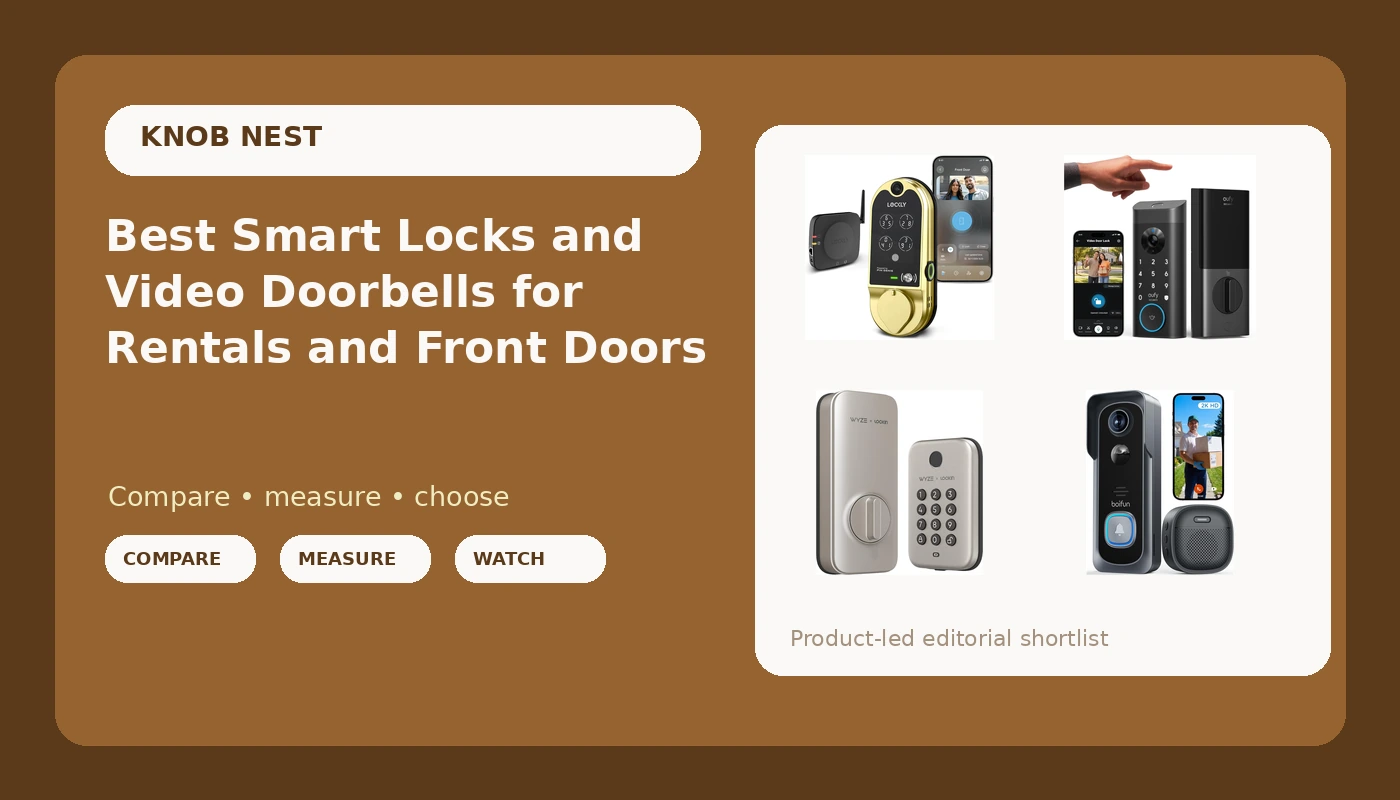
Buying a smart lock takes ten minutes. Living with the wrong one takes a year. The lock that seemed fine in the product photo is the one that drops its connection in January, or the one whose fingerprint reader quits at month seven, or the one whose deadbolt never quite throws all the way into the strike plate. This guide covers smart locks and video doorbells that solve the two problems people actually call about: letting the right people in without a key, and knowing who came to the door while you were somewhere else. The picks run from a plain keypad deadbolt with auto-lock to a deadbolt with a camera and doorbell built into the same body, so you can match hardware to the door you really have instead of the door in the marketing shot.
Related: Pairing a Smart Lock to a Gateway in the Right Order
Quick answer
The Kwikset SmartCode 260 is the strongest fit for rental doors and shared entrances because it puts a keypad deadbolt, auto-lock, and custom user codes in one unit, which is the combination that lets you hand out access without handing out keys. Choose the Wyze Auto-Lock Bolt instead when you want fingerprint entry and a keypad on the same deadbolt at the low end of the range, or step up to the eufy Security Video Smart Lock E330 when the door also needs a camera and a doorbell watching the porch.
Smart locks and video doorbells worth comparing
There are two families in this roundup. The first is entry hardware: deadbolt replacements that let people in with a code, a fingerprint, or an app. The second is porch hardware: doorbell cameras that record who walked up. A few products here do both, and those are the ones worth a closer look if you are replacing a single door and do not want two devices fighting for space on the trim.
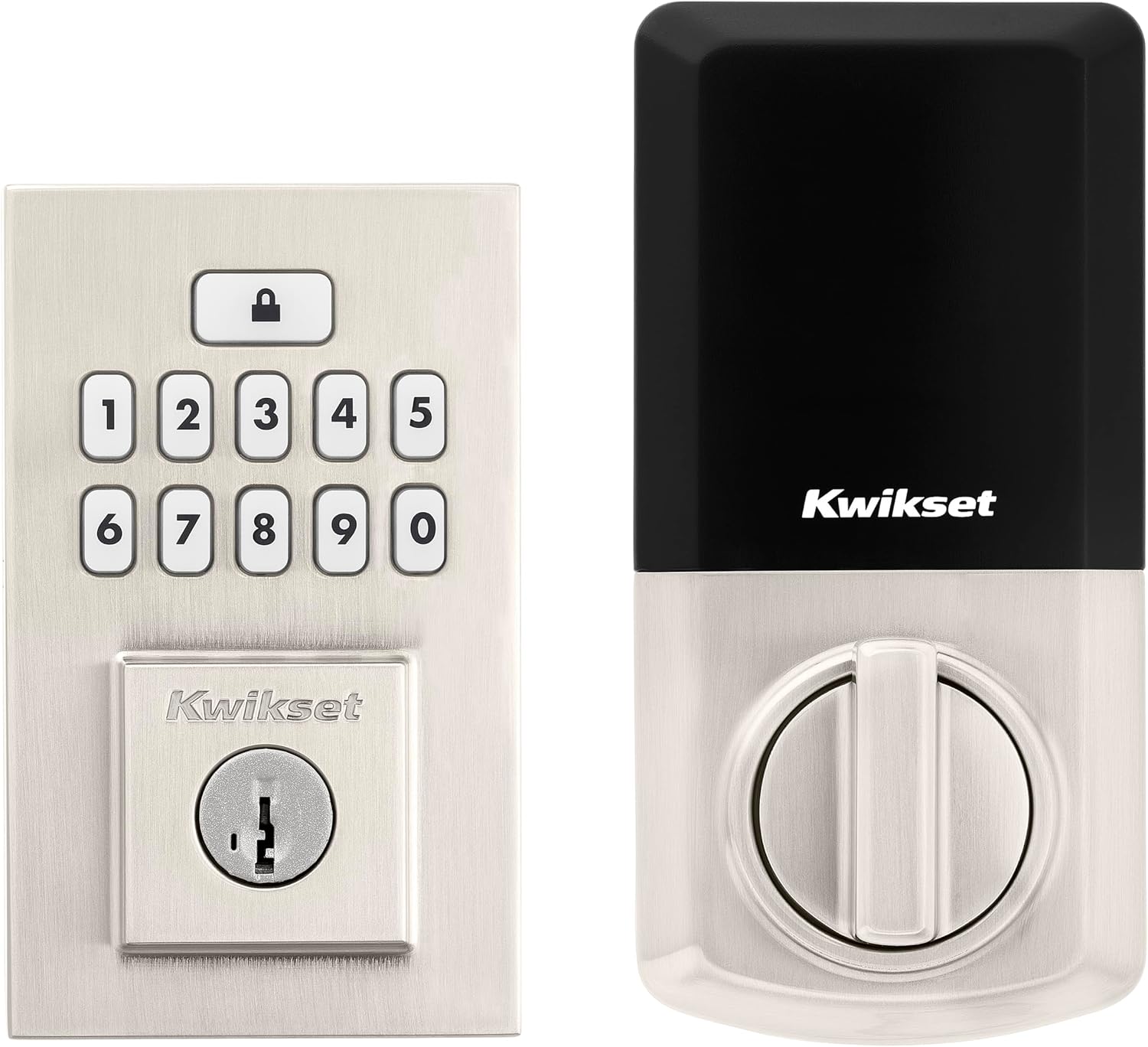
Kwikset SmartCode 260 Keyless Entry Electronic Keypad Deadbolt Door Lock with Auto-Lock, Custom User Codes, Advanced Security in Satin Nickel Contemporary
A keypad deadbolt with auto-lock, custom user codes, and a satin nickel contemporary finish. The pick for landlords and hosts who want to issue codes instead of cutting keys.
Visit on Amazon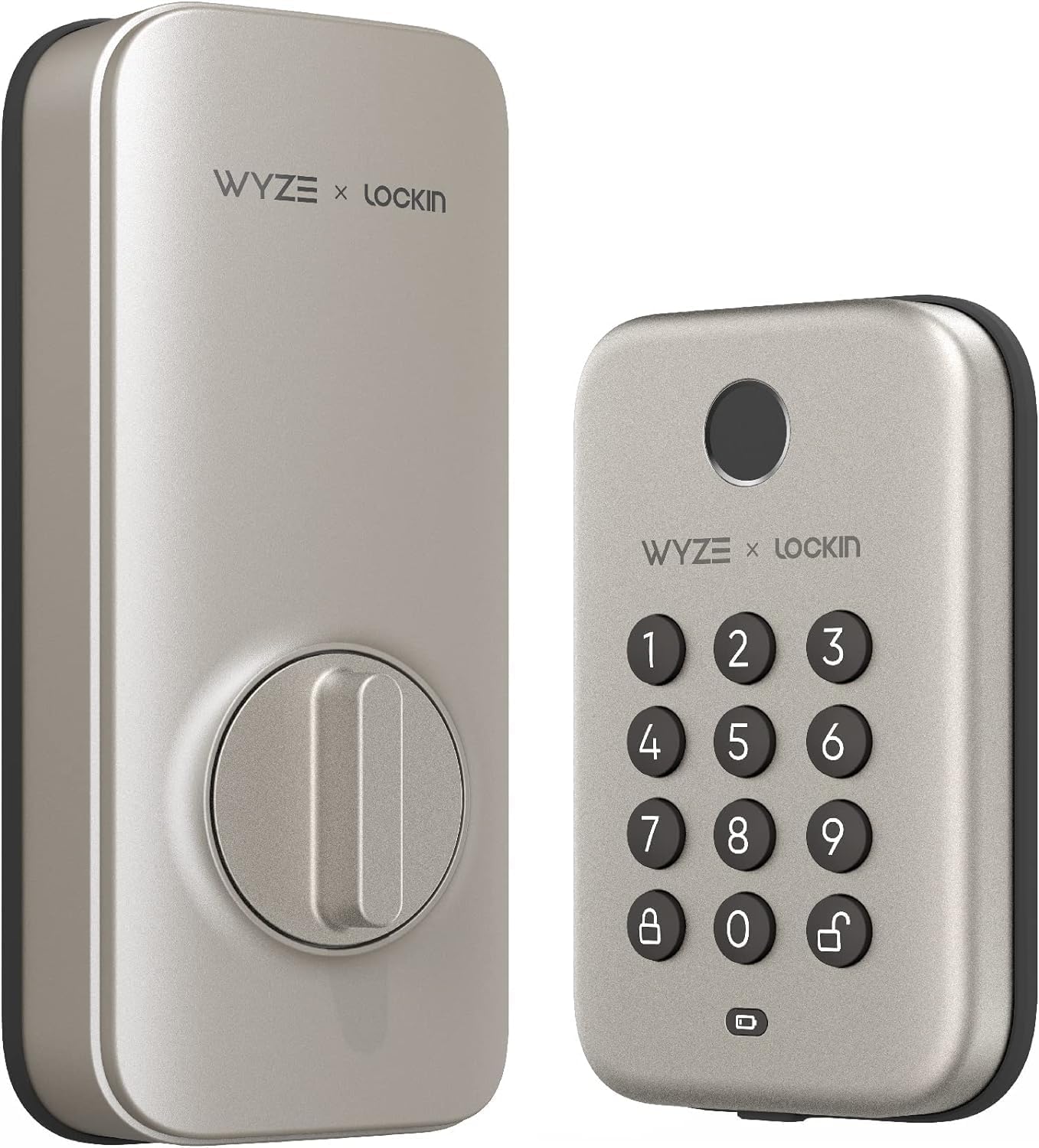
Wyze Auto-Lock Bolt, Fingerprint Unlock with Keypad, Electronic Entry Door Smart Deadbolt Lock, IPX5 Weatherproof, Easy Installation, Satin Nicke
Check current Amazon price
Fingerprint unlock plus a keypad in an electronic entry deadbolt, rated IPX5 weatherproof with easy installation and a satin nickel finish.
Visit on Amazon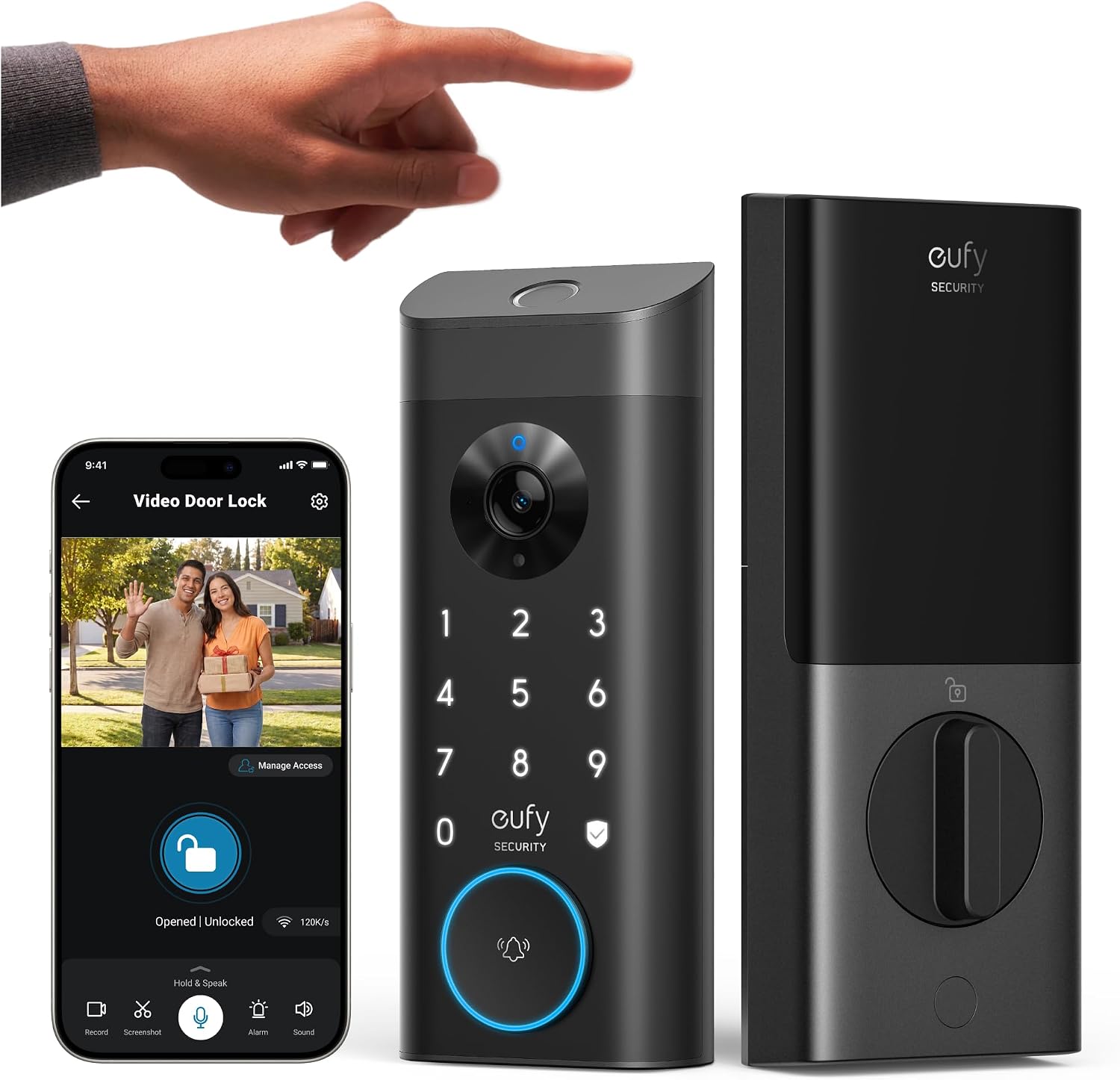
eufy Security Video Smart Lock E330, Fingerprint Keyless Entry Door Lock
A video smart lock that pairs fingerprint keyless entry with a camera and doorbell at the door, so entry and porch video live on one device.
Visit on Amazon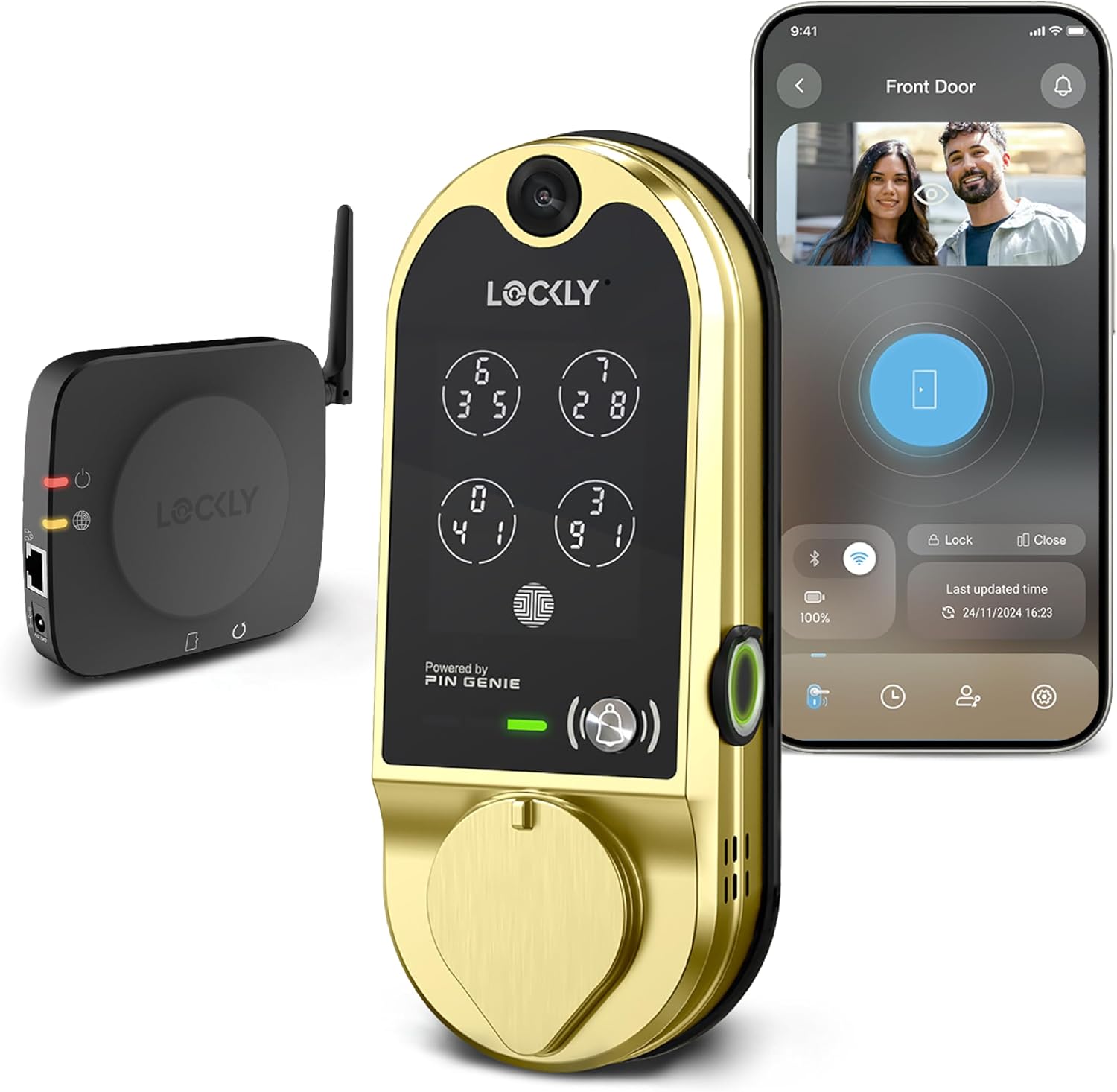
Lockly Vision Smart Lock with HD Video Doorbell
A smart lock with an integrated HD video doorbell, built for buyers who want the camera and the lock in a single piece of hardware.
Visit on Amazon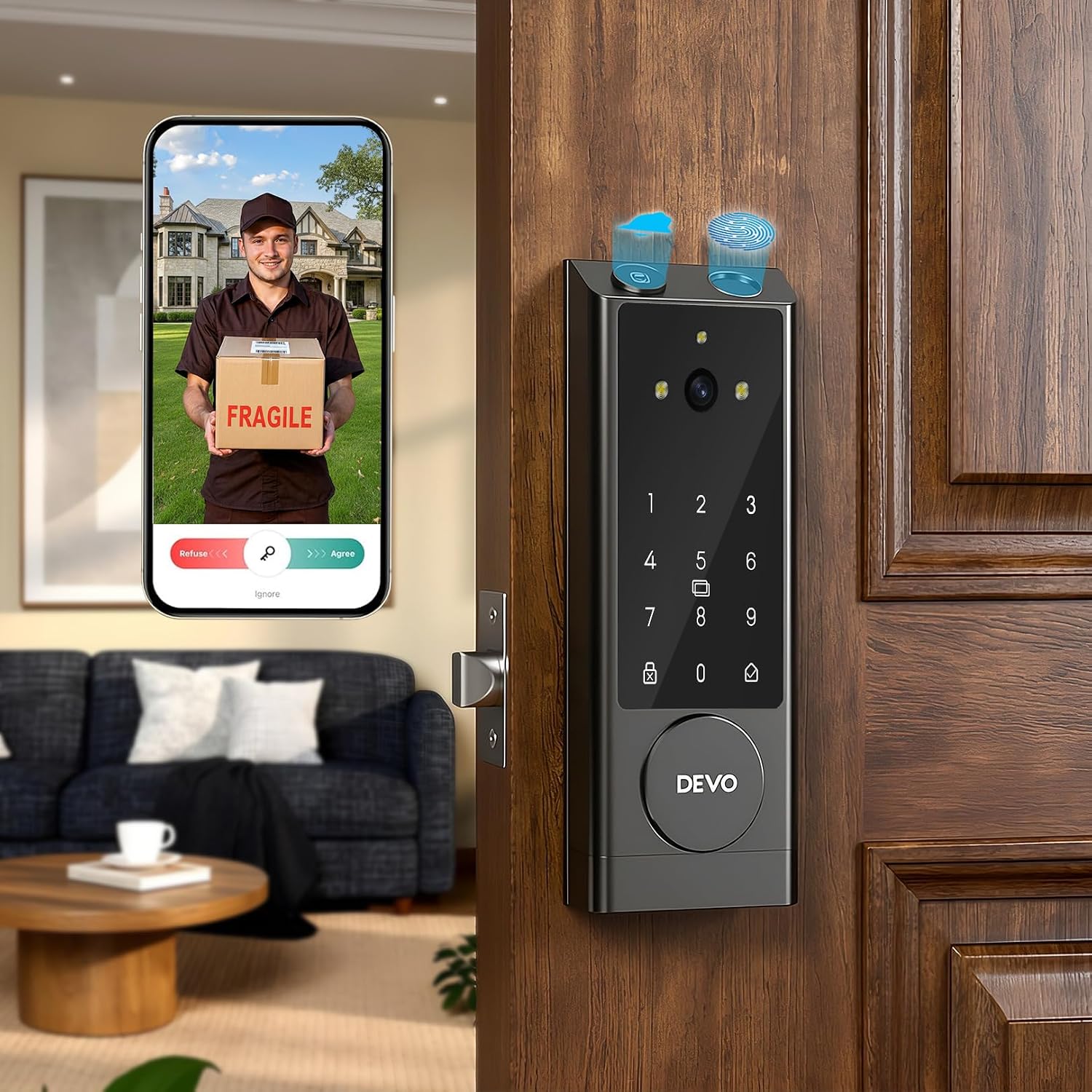
DEVO G1 Keyless Entry Deadbolt Smart Lock with Camera, Doorbell,Fingerprint
Check current Amazon price
A keyless entry deadbolt with a camera, doorbell, and fingerprint reader built into the lock body for doors that need entry and video together.
Visit on Amazon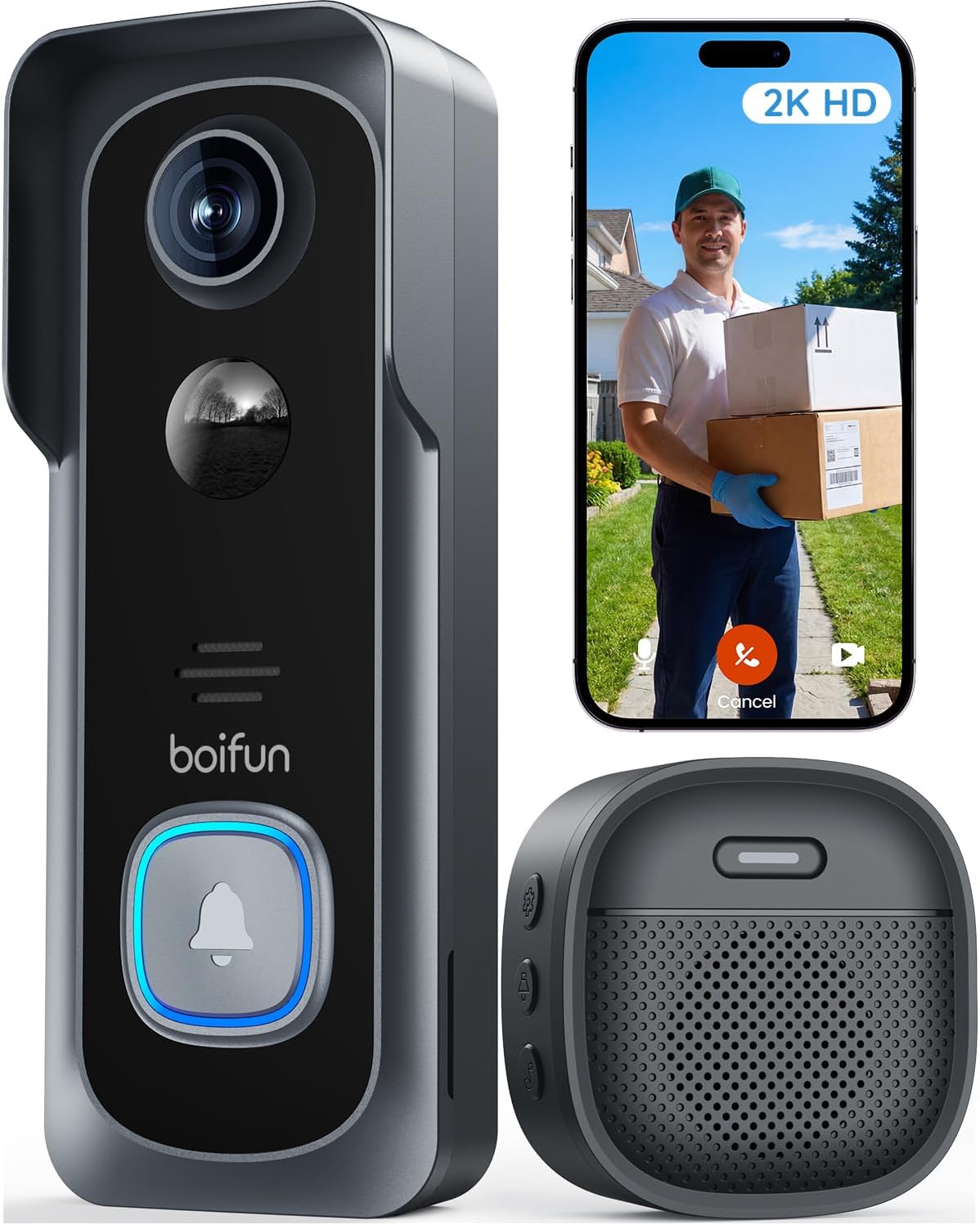
BOIFUN Video Doorbell Camera Wireless, No Subscription Required, 2K HD
A wireless video doorbell camera with 2K HD video and no subscription required, for adding porch coverage to a door you are not ready to re-key.
Visit on AmazonPrices and availability may change. Check the retailer for current details.
How these products were compared
This guide compares entry method, whether the lock re-locks itself, camera and doorbell features where the product includes them, subscription requirements, and how the hardware fits a standard door. Product names, images, and retailer links are matched by ASIN so that every card points to the product shown.
Nothing here is dressed up as lab measurement. The differences that decide a purchase in this category are the ones you can read off the product itself: does it take a code, a fingerprint, or both; does it lock itself behind you; does it watch the porch; and does it ask for a monthly fee to do basic things. Those are the questions the comparison sticks to.
How to choose the right smart lock
Start with who needs to get in. A long-term tenant needs a code they will not lose and a lock that re-locks behind them, which is why auto-lock matters more than any app feature. A short-term guest needs a code you can delete after checkout, ideally without you driving across town. A family member who visits weekly needs something they will not fumble at night. If you cannot answer the access question, you will buy more lock than you need.
Then decide whether you want video on the same door. A lock with an integrated camera and doorbell means one device, one install, and one thing to keep charged or wired. A separate doorbell means you can upgrade the camera later without touching the deadbolt, and you can put a cheap, reliable keypad lock on the door itself. Both approaches work; mixing them by accident is what creates two apps and two sets of batteries to track.
Field of view beats resolution on the video side. A doorbell that sees the whole porch is more useful than a sharper image of a hat brim, so look at how wide the camera sees and how it handles a dark porch before you look at the number on the box. And check the subscription question early. A doorbell that stores clips without a monthly plan is a different long-term cost than one that does not, especially once you multiply it by several doors.
Finally, deal with the network before you deal with the lock. Most smart locks and their gateways talk on the 2.4GHz band only, and a router that pushes a single merged network name can leave a lock unable to connect no matter how many times you retry. If pairing fails, the fix is usually setup order rather than hardware: bring the lock into the app first, then add the gateway. Doing it backwards is the most common reason people end up on support chat, and you can read more about that in our 2.4GHz and pairing troubleshooting notes.
Kwikset SmartCode 260
The SmartCode 260 is a keyless entry electronic keypad deadbolt with auto-lock, custom user codes, and a satin nickel contemporary finish. In plain terms: you program codes for the people who need them, the lock re-locks itself after entry, and there is no fingerprint reader or camera to maintain. For a rental, that is the entire job description. Codes can be changed between tenants, and auto-lock ends the "they forgot to lock up" phone call.
The trade-off is the missing extras. There is no camera, so you will not get a clip of who used the code, and there is no fingerprint reader, so everyone types. If you want video on that door, you either add a separate doorbell camera or move up to one of the camera locks in this roundup. For a door where reliability and simple access matter more than footage, that trade is usually worth taking.
Alternatives to consider
The Wyze Auto-Lock Bolt is better suited to a household that wants fingerprint entry without giving up a keypad, and its IPX5 weatherproof rating and easy installation make it a reasonable fit for an exposed front door. The eufy Security Video Smart Lock E330 is a stronger fit when you want fingerprint keyless entry and a camera and doorbell on the same deadbolt, replacing two devices with one.
The Lockly Vision Smart Lock with HD Video Doorbell suits buyers who want the lock and the HD video doorbell as a single integrated unit, and the DEVO G1 takes the same idea in a keyless entry deadbolt with a camera, doorbell, and fingerprint reader in the lock body. The BOIFUN Video Doorbell Camera Wireless covers a different need entirely: a wireless, subscription-free 2K camera for a door whose deadbolt you are happy with, which is often the cheapest way to add porch visibility without re-keying anything.
Day-to-day use and maintenance
Plan on batteries, not on hope. Every electronic deadbolt in this list runs on batteries, and cold weather plus heavy traffic drains them faster than the estimate on the box, so keep spares and change them on a schedule rather than waiting for the low-battery chirp at 11pm. Most locks warn you in the app or at the keypad before they quit, but only if you are paying attention to it.
Clean the keypad and the fingerprint surface with a dry or barely damp cloth, not a soaked one, and keep grit out of the reader. Fingerprint readers are the part that ages fastest on a busy door, which is exactly why a keypad backup matters: when a reader gets fussy with wet or cold hands, the code still gets you in. If a reader starts missing on the first try more often than it used to, that is your signal to lean on the keypad and start shopping.
After any install, close the door and watch the bolt. It should extend fully into the strike plate without dragging or stopping short. A bolt that only half throws looks locked and is not, and no app notification will tell you the difference. Also check the door itself: a misaligned frame will defeat the best lock you can buy, so tighten hinges and strike plates before you blame the hardware.
Buying checklist
- Measure the door thickness and the existing bore hole before ordering, and confirm the deadbolt backset matches your door.
- Choose keypad, fingerprint, or both based on how the people entering will actually use it, not on the feature list.
- Confirm that the exact model includes auto-lock if the door is a rental or a shared entrance.
- Decide whether you need video on the same door, and check whether clips require a subscription.
- Verify that your WiFi network broadcasts a 2.4GHz band the lock or gateway can join.
- Check the current Amazon price, availability, and return terms before you commit.
Final recommendation
Choose the Kwikset SmartCode 260 when the door needs reliable code entry, auto-lock, and nothing else to babysit, which covers most rentals, shared entrances, and host properties. Choose the Wyze Auto-Lock Bolt when fingerprint entry and a keypad on one deadbolt matter more than video, or the eufy Security Video Smart Lock E330 when you want the lock, the camera, and the doorbell handled by a single device on the same door. If your deadbolt is fine and you only want eyes on the porch, the BOIFUN Video Doorbell Camera Wireless gets you there without touching the lock.