Most people who start shopping for smart locks and video doorbells are not trying to build a gadget collection. They want the front door to open with a code instead of a key hidden under a rock, they want to see who left a package on the porch at 11pm, and they want both of those things to still work next winter. That is a much narrower goal than most product pages admit.
A deadbolt either throws all the way into the strike plate or it does not. A doorbell camera either shows you a face in the dark or it shows you a gray blur. Everything else, the app icons, the voice assistant badges, the copy about intelligent entry, is decoration until those two jobs get done.
This guide covers six options across that range: two deadbolts that need no network at all, a WiFi deadbolt that skips the hub, two lock-and-camera hybrids, and a standalone doorbell camera. It also covers the parts of the decision the listings tend to bury, like retrofit measurements, the 2.4GHz requirement, setup order, and which features quietly depend on a subscription.
Related: How to Set Up a Smart Lock Without a Factory Reset
Quick answer
The Schlage Encode Smart WiFi Deadbolt Lock with Century Trim, Matte Black is the strongest fit for a main front door that needs remote access and codes you can hand to a guest, because the WiFi radio is built into the lock itself, so there is no separate gateway to pair and no setup order to get backwards. Choose the TEEHO TE001 Keyless Entry Deadbolt with Keypad for Front Door, Satin Nickel instead when you want a code-only deadbolt with no app, no account, and nothing to reboot.
Smart locks and video doorbells worth comparing
The six picks below cover the whole spread, from a deadbolt with no radio in it at all to a hybrid that watches the porch while it locks the door.
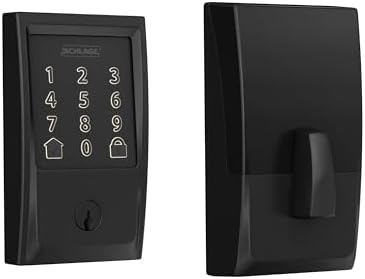
Schlage Encode Smart WiFi Deadbolt Lock with Century Trim, Matte Black
A WiFi deadbolt from the brand landlords ask for by name. The WiFi radio lives inside the lock, so there is no separate hub to pair, and the Century trim in matte black suits a modern door. App-managed codes and a keyway backup cover the day the batteries finally quit.
Visit on Amazon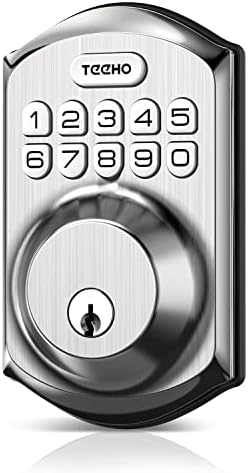
TEEHO TE001 Keyless Entry Deadbolt with Keypad for Front Door, Satin Nickel
A plain keypad deadbolt in satin nickel with no app, no gateway, and no account. It is the low-maintenance choice for a side door, a garage entry, or a rental where the only requirement is that the code works. The trade-off is no remote unlock and no codes issued from another state.
Visit on Amazon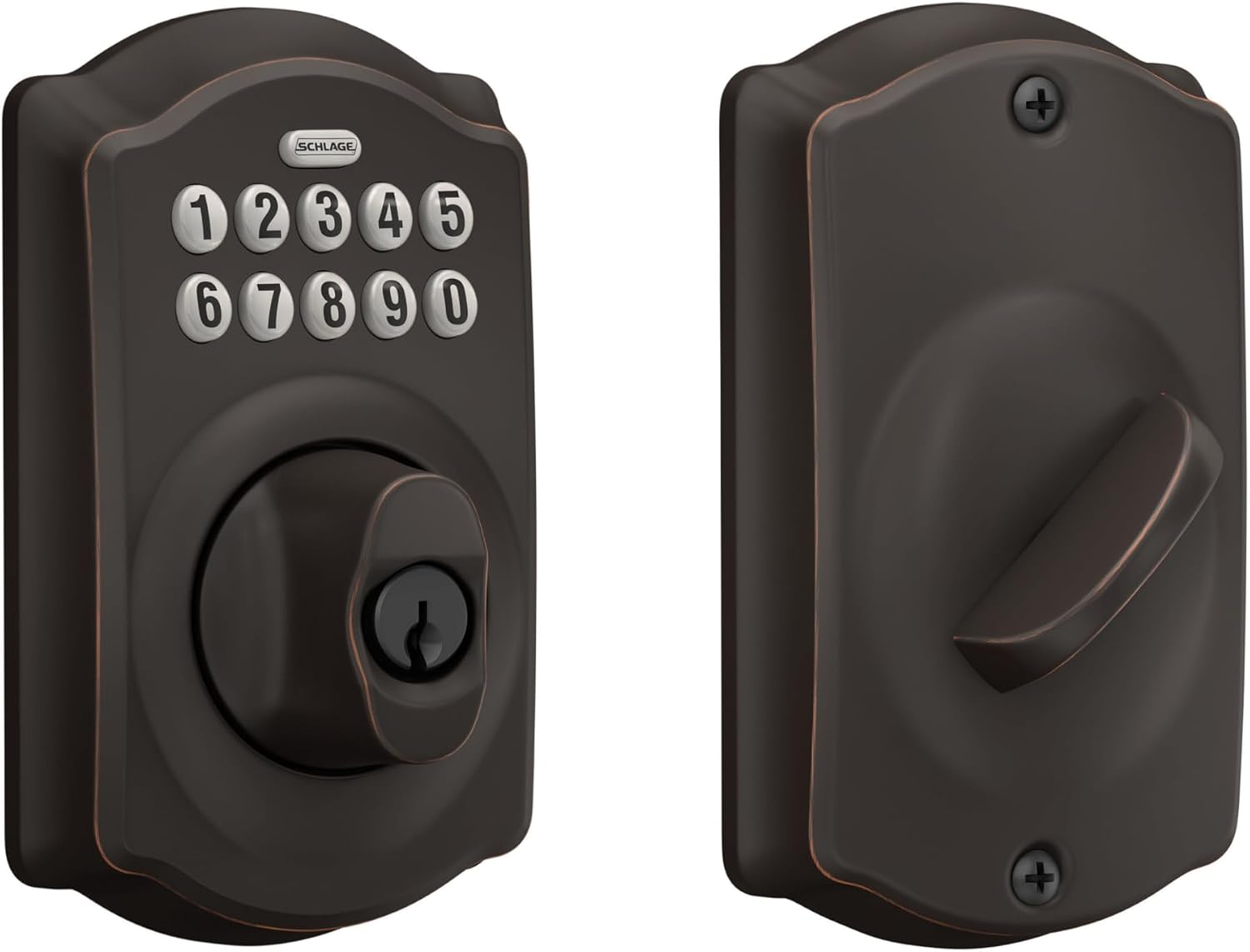
Schlage Electronic Keypad Deadbolt Lock, Camelot Trim, Aged Bronze
A keypad deadbolt in the traditional Camelot trim and an aged bronze finish that blends with older hardware. No WiFi, no hub, no pairing sequence to fight through, which is exactly the point on a door that only needs a code. Best where the door has to match existing brass or bronze trim.
Visit on Amazon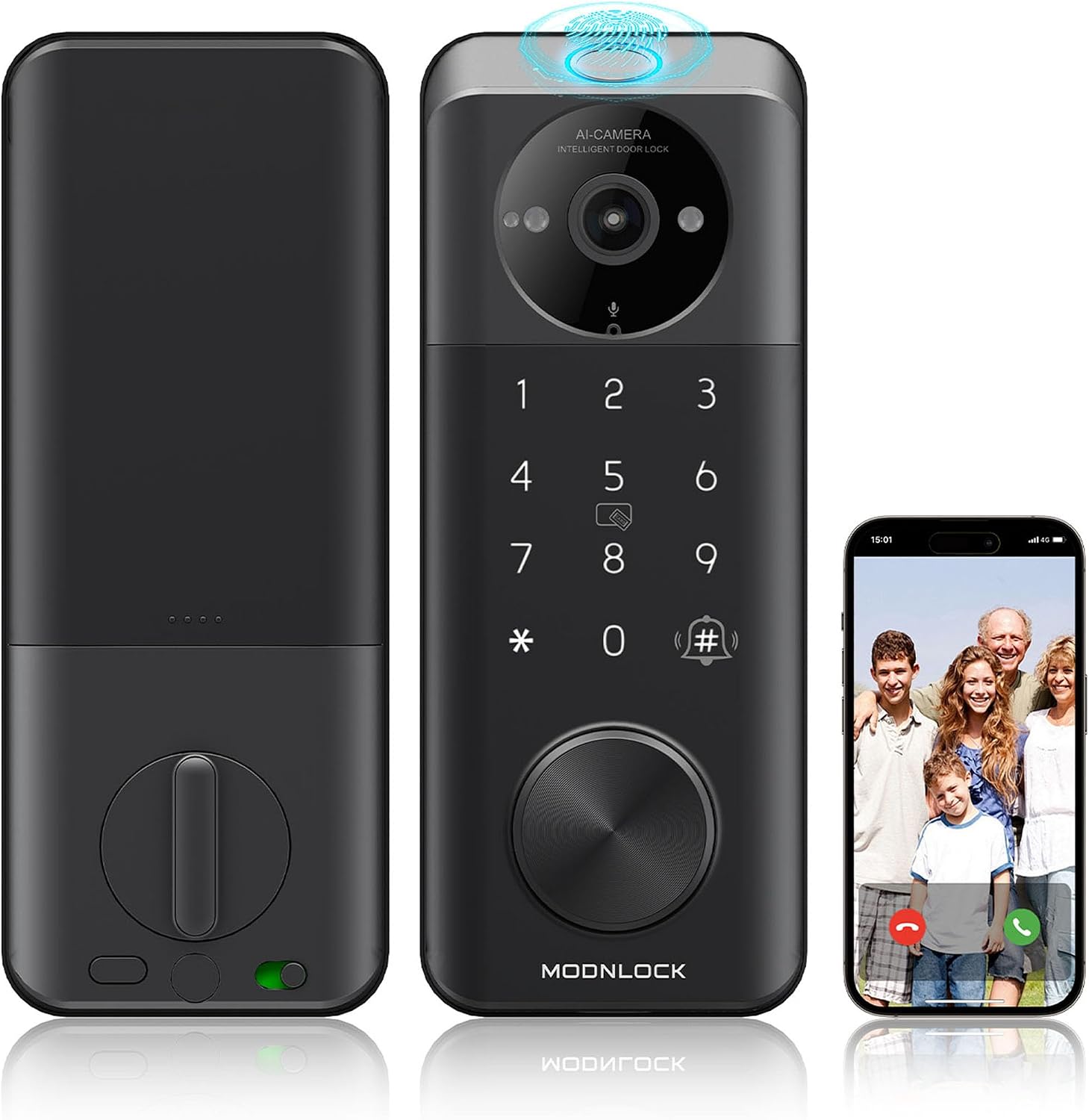
Smart Lock with Camera Keyless Entry, Alexa and Google Voice Control
A lock and a camera in one housing, with voice control through Alexa and Google. It solves the apartment problem where a separate doorbell is not an option, but it also means one device handles two jobs and one failure takes out both. Confirm the camera angle and night performance on the listing.
Visit on Amazon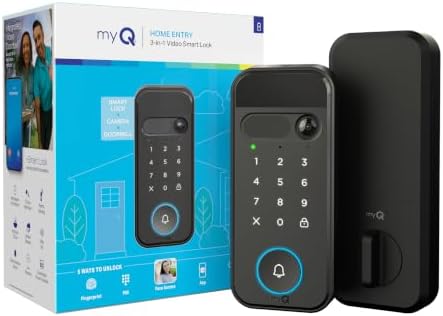
myQ Secure View 3-in-1 Smart Lock with 2K HDR Video Doorbell Camera
The most feature-dense option in this group: a 2K HDR doorbell camera built into the lock, plus face access, fingerprint access, PIN and app control, color night vision, and two-way audio. Before committing, check what the companion app requires, including whether any part of the feature set sits behind a subscription.
Visit on Amazon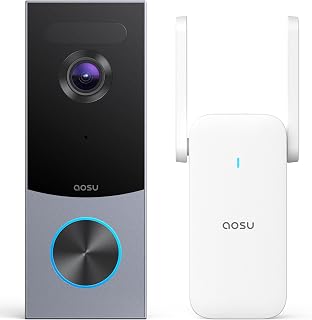
aosu 5MP Ultra HD Wireless & Wired Video Doorbell Camera
A doorbell camera rather than a lock, with 5MP resolution and both wireless and wired installation paths. The battery route suits renters, apartments, and doors with no existing doorbell wiring. Field of view and night vision are the specs to confirm, since resolution alone does not tell you whether you will recognize a face.
Visit on AmazonPrices and availability may change. Check the retailer for current details.
How these products were compared
This guide compares five things: how each device mounts and retrofits onto a standard residential door, how it connects (built-in WiFi, a separate gateway, or no network at all), which access methods it offers beyond a mechanical key, what upkeep looks like over a year of real use, and how much of the useful feature set runs through an app or a paid plan.
The notes here come from the product names, form factors, and listed feature sets, plus the installation realities that apply to every keypad deadbolt and doorbell camera in this category. Nothing below is presented as a bench test or a lab measurement, and no card carries a hard-coded price. Product names, images, and retailer links are matched one to one, so each card points at the product it describes. Use the link on any card to confirm current price, availability, and return terms.
How to choose the right smart lock
Start with the door, not the app. Pull the existing deadbolt and measure the backset, which is the distance from the edge of the door to the center of the bore, and the cross bore diameter. Most residential doors are one of two standard sizes for each, but a wrapped frame, a metal door, or an older mortise setup can turn a twenty-minute install into an afternoon. Check the door thickness too, and look at whether the deadbolt sits in its own bore above a separate handle or comes as part of a combined lockset. If the strike plate is loose or the frame is chewed up from a previous break-in, fix that first. A smart lock bolted to a soft frame is still a soft frame.
Next, decide honestly whether you need remote access. Three tiers exist here, and the cheapest is not the worst. A keypad-only deadbolt such as the TEEHO TE001 or the Schlage Camelot has no radio, no app, and no network, which means nothing to pair and nothing to reboot. A lock with built-in WiFi, like the Schlage Encode, gives you remote status and codes you can issue from anywhere without a hub. A hub or gateway based lock adds compatibility with more platforms but also adds the setup step where most people get stuck: the lock pairs to the app first, and the gateway gets added second. Do it in the other order and you are looking at a factory reset.
Think about who else uses the door. If guests, cleaners, or tenants come and go, you want individually deletable codes and an auto-lock delay that suits the traffic. Auto-lock is the feature that ends the "somebody forgot to lock up" problem, and it is worth more than any voice assistant integration. If you are renting the property out, buy the same model for every unit so the codes and the instructions carry over. Mixing brands across a building is how a landlord ends up maintaining three apps.
Finally, be skeptical of stacked features. A fingerprint reader is convenient until it is not, so any lock relying on one should also have a keypad and a mechanical key. A camera built into a lock saves you a second device but puts two jobs on one battery and one app. And check the subscription line before you buy: paying monthly to unlock remote access on a lock you already own is the worst deal in this category.
Schlage Encode Smart WiFi Deadbolt Lock with Century Trim, Matte Black
The Encode is the pick that most closely matches what people actually ask for: a deadbolt from a brand with a long history in mechanical locks, with the network connection built in. Because there is no separate gateway, the setup sequence collapses to one step, which removes the single most common failure point in this category. The Century trim in matte black reads as modern hardware rather than a gadget, and the keyway backup means a dead battery never becomes a lockout.
The trade-offs are worth naming. It relies on the app for remote access and code management, so if you want nothing to do with a phone, this is the wrong lock. It also needs a 2.4GHz network, as nearly every device in this category does, so a router broadcasting 5GHz only will leave you stuck. And it asks more of your budget than the keypad-only deadbolts here, which is the honest cost of skipping the hub. If those three things are acceptable, this is the one to put on the front door.
Alternatives to consider
The Schlage Electronic Keypad Deadbolt Lock, Camelot Trim, Aged Bronze is better suited to a door that has to match traditional trim, while the TEEHO TE001 Keyless Entry Deadbolt with Keypad for Front Door, Satin Nickel is a stronger fit when you want the lowest-maintenance option in the group and do not need remote access at all.
The Smart Lock with Camera Keyless Entry, Alexa and Google Voice Control, the myQ Secure View 3-in-1 Smart Lock with 2K HDR Video Doorbell Camera, and the aosu 5MP Ultra HD Wireless & Wired Video Doorbell Camera cover the porch-watching side of the decision. The first two combine a lock and a camera on one device, which is useful where a separate doorbell cannot be mounted, while the aosu is a camera only, with both battery and wired installation paths for renters and homeowners respectively.
Day-to-day use and maintenance
Battery life in this category depends on how often the door is used, how bright the keypad backlight is, and how cold the door gets. Central Ohio winters are the reason I tell people to use quality alkaline or lithium cells, replace the whole set at once rather than one cell at a time, and swap them the moment the low-battery warning appears instead of waiting for the lock to start hesitating. Keep a mechanical key somewhere other than inside the house, or keep a second code-protected entry, so a dead battery is an inconvenience and not an emergency.
Once a month, check the deadbolt throw with the door open. Extend the bolt and look at how far it travels. If it does not fully extend into the strike, the door looks locked and is not, and that is true of every lock in this guide, smart or not. Wipe the keypad with a damp cloth rather than a soaking one, change codes when a contractor or a guest you do not fully trust has had access, and use the anti-peeping habit of entering a couple of extra digits before your real code if the lock supports it. On camera-equipped models, clean the lens, confirm the night vision still shows detail rather than a white flare, and check whether recorded clips depend on a plan before you rely on them.
If a lock starts misbehaving, resist the urge to tear it off the door. Nine times out of ten the fix is a fresh set of batteries, a firmware update, or a re-pair done in the correct order.
Buying checklist
- Measure the backset, cross bore, and door thickness before ordering, and check whether the deadbolt shares a bore with the handle.
- Choose the connectivity tier based on normal use: keypad-only if nobody needs remote access, built-in WiFi or a hub if they do.
- Confirm the exact model includes the features you are paying for, whether that is a keyway backup, an auto-lock delay, a camera, or a fingerprint reader.
- Read the maintenance and app requirements, including any subscription needed for remote access or video storage.
- Verify the current retailer price, availability, and return terms before you commit.
Final recommendation
Choose the Schlage Encode Smart WiFi Deadbolt Lock with Century Trim, Matte Black when the front door is the main entry, guests need codes, and you want remote access without adding a hub. Choose the TEEHO TE001 Keyless Entry Deadbolt with Keypad for Front Door, Satin Nickel when you want a code-only deadbolt with no app, no account, and nothing to reboot, and reach for the aosu 5MP Ultra HD Wireless & Wired Video Doorbell Camera or the myQ Secure View 3-in-1 Smart Lock with 2K HDR Video Doorbell Camera when seeing the porch matters as much as locking it. Whichever you pick, install it on a door that closes squarely, and confirm the bolt throws all the way before you trust it.