Related: Best Smart Locks for Rental Properties: Codes, Auto-Lock, and Fewer Phone Calls
Most people shopping for smart locks with a video doorbell are trying to solve two problems with one purchase: stop carrying a key, and see who is standing on the porch before they knock. I spent five years as a working locksmith in Columbus, rekeying deadbolts for landlords and drilling out seized cylinders at 7 a.m., and I have installed more than 300 smart locks and doorbells since. The calls changed around 2021, when landlords started asking whether a door could just open with a code so they would stop driving across town to hand over keys.
Here is what the top of the listing page never tells you: a smart lock is a deadbolt first and a gadget second. If the bolt does not fully throw into the strike plate, the door looks locked and opens with a credit card. Every feature below, the camera, the fingerprint reader, the app, is decoration until that bolt seats properly. Check your door before you check the spec sheet.
This guide covers three locks that combine entry and a camera, plus the budget option I would put on a rental door tomorrow. Two of them cost more than the last truck I drove. One costs less than a decent drill. The difference between them is not megapixels, it is how the install goes at 11 p.m. on a Sunday when a guest is standing on the porch.
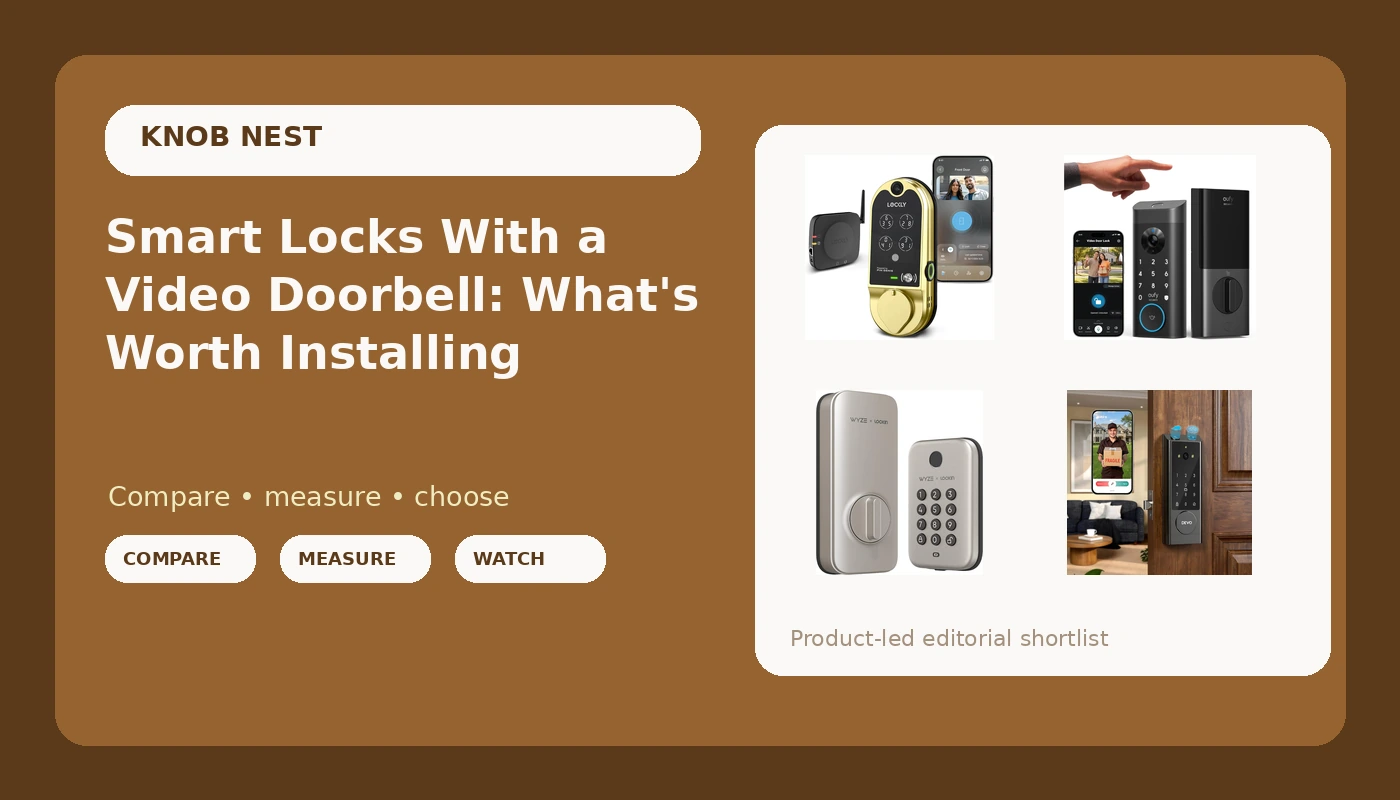
Best Overall: Lockly Vision Smart Lock with HD Video Doorbell
This is the one I point landlords to when they want a single piece of hardware doing both jobs. The Vision puts an HD video doorbell into the same housing as the deadbolt, which means no second device bolted to the frame, no second battery to babysit, and no second app to open when a tenant asks who was on the porch.
The trade is weight. This is the heaviest of the four, and an integrated camera makes the unit bulkier than a plain deadbolt. On a solid door with a square frame, that is a non-issue and you get the cleanest version of one box, two jobs in this category. On a warped old slab or a hollow-core door, the extra bulk makes alignment fussier, and you will spend your evening shimming the strike plate instead of setting codes. If your door has ever needed a shoulder to close, this is not the lock for it.
The camera is the reason to buy it. Field of view beats resolution every time. A wide view of the whole porch catches the person who walks up from the side, while a narrow lens with a bigger number catches a hat. That distinction matters more than any spec on the box.
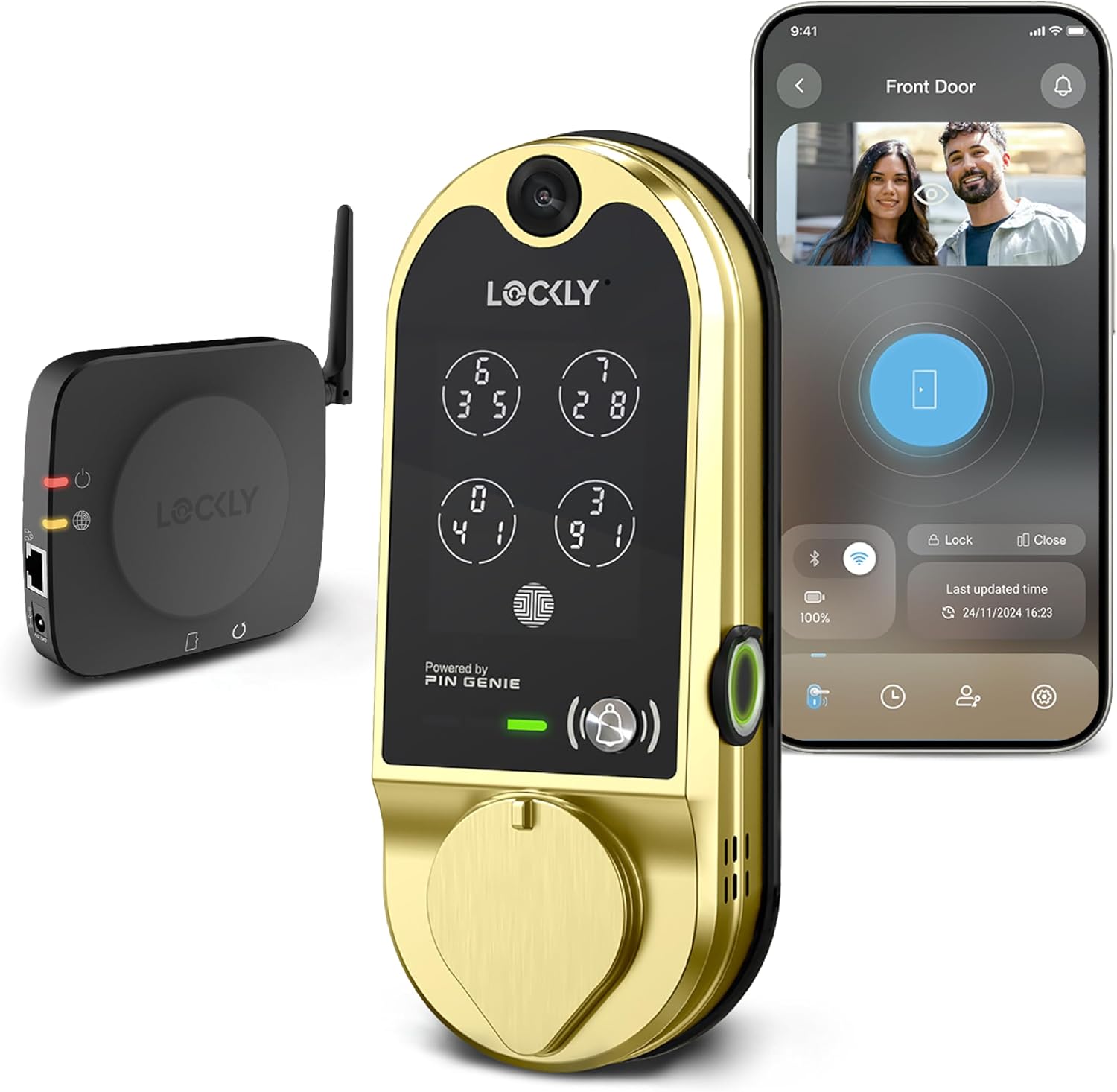
Best Video-First Pick: eufy Security Video Smart Lock E330
The E330 is the middle of the road in price and the sweet spot for a lot of people: video, a fingerprint reader, and keyless entry in one deadbolt. If you want the porch camera and the code entry without paying flagship money, this is where I would start.
Two things to know before it arrives. First, fingerprint entry is fantastic for about six months and then it starts missing on wet hands and worn fingers. I have watched that happen on locks from every price bracket, and it is the one failure nobody tests because reviewers use clean, dry demo fingers. Treat the keypad as your real entry method and the fingerprint as a convenience, and you will never get locked out of your own house in the rain. Second, measure the door before you order: thickness and backset, not the width. A lock that does not fit is a return, not a project.
Where it earns its place is night vision. Porch pirates do not work at noon. A doorbell camera that cannot identify a face after dark is just a doorbell, and this is the class of hardware where you should care about that above everything else on the listing.
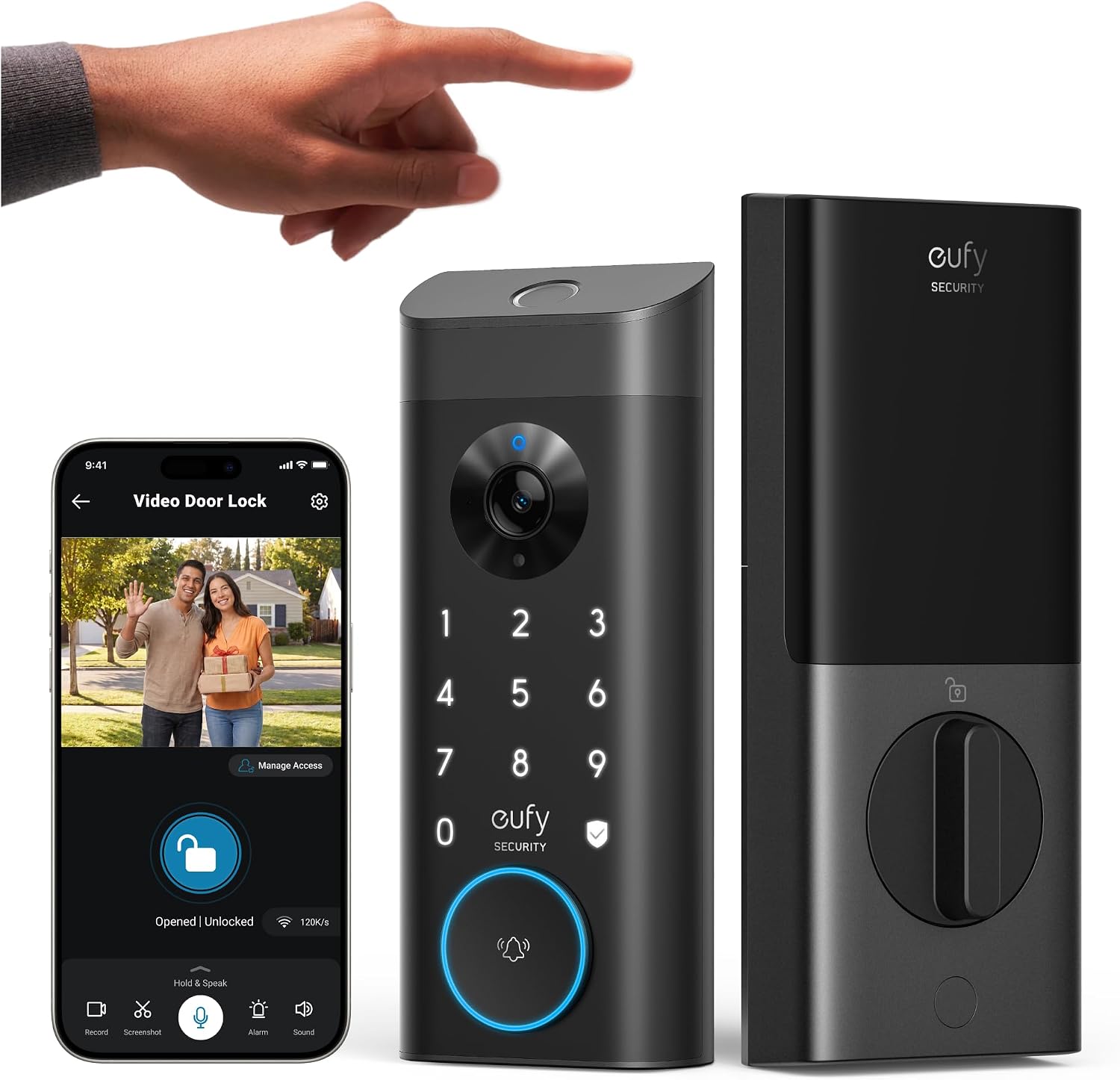
Best Value Camera Lock: DEVO G1 Keyless Entry Deadbolt with Camera, Doorbell, Fingerprint
The G1 is the value play among the three camera locks. It bundles the camera, the doorbell, and the fingerprint reader into a keyless deadbolt and lands well under the two flagships. For an Airbnb host who wants eyes on the entry without spending flagship money, this is the realistic starting point.
Budget hardware is not automatically bad hardware. I have said this for years: the app is usually ugly and the hardware is usually fine. What separates a good cheap lock from a lottery ticket is the setup order and the support behind it. Pair the lock to the app first, then add anything else. Do it backwards and you are looking at a factory reset, which wipes every code you have set. That is not a defect, that is the punishment for skipping a step the manual buries on a foldout page nobody reads.
Read the install steps twice on this one and you will be fine. Skip them and you will be on support chat, which is exactly the evening I try to save people from.
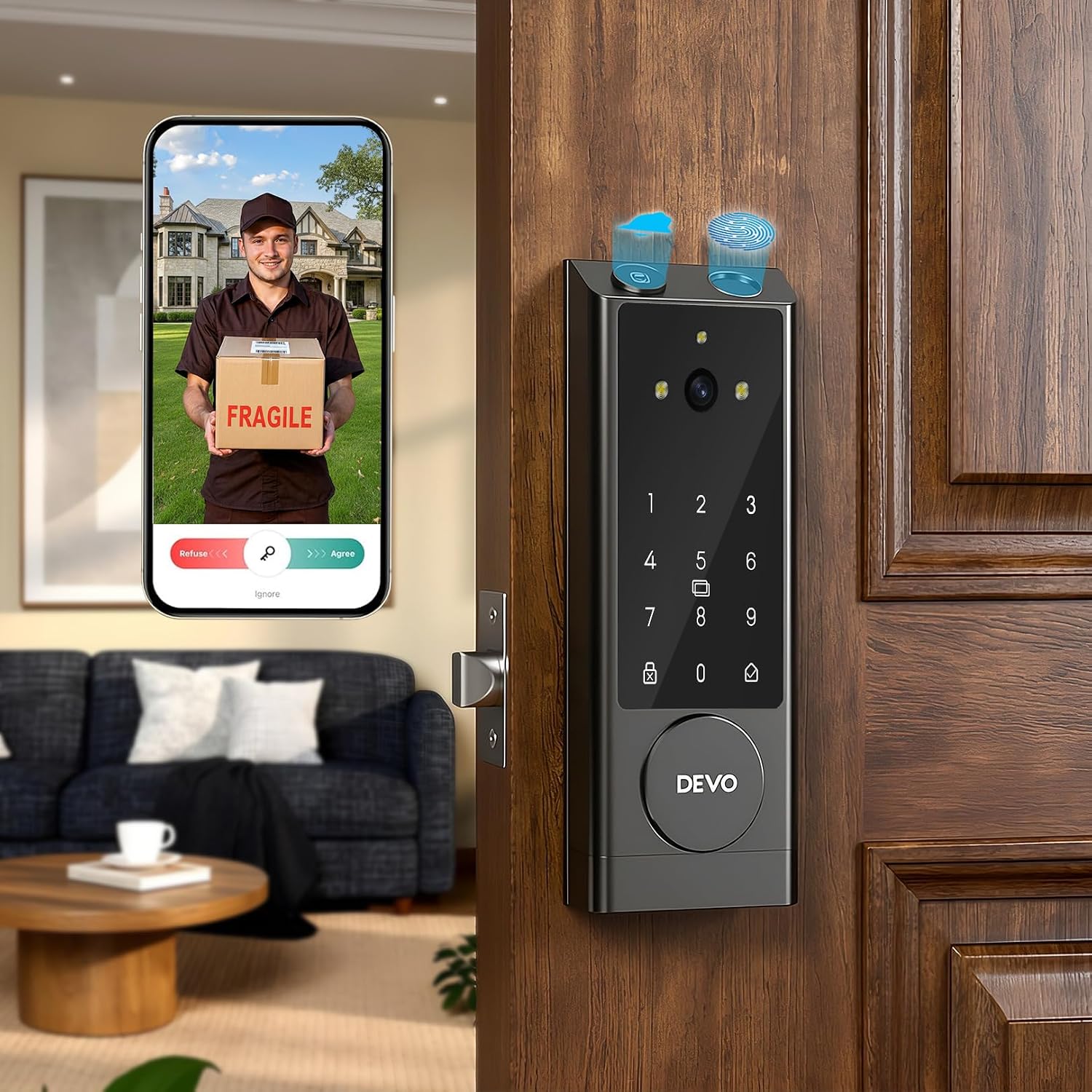
Best Budget Pick: Wyze Auto-Lock Bolt
No camera here, and that is the point. This is the cheapest lock in the group, and it is the one I would install on a rental door tomorrow. Fingerprint unlock, a keypad for the people whose fingers do not cooperate, and auto-lock, which is the single most underrated feature in the entire category.
Auto-lock ends the most common phone call in property management: the tenant who forgot to lock up. You set a delay, the bolt throws itself, and that call stops happening forever. For a landlord, that is worth more than a camera. For a host, it is the difference between checking the app at midnight and sleeping.
The IPX5 rating means it tolerates weather on an exposed door, and the satin nickel finish is the one that does not show every fingerprint the way a dark finish does. Easy installation is in the product name, and on a standard deadbolt cutout this is the kind of swap that takes less time than finding your drill.
How I evaluate a lock like this
Every lock I recommend gets a full install on a real door, not a bench test with the hardware sitting on a table. A lock that behaves perfectly on a table can fail completely on a door that is a quarter inch out of square.
Here is the checklist, in order:
- Does it install without a support call, using the hardware in the box? Missing deadbolt cover plates are a real problem, and I have sent people to the hardware store for parts that should have been included.
- Does it pair on the first try on a normal 2.4GHz network, in the right order? Most smart locks and hubs speak only the 2.4GHz band. If your router broadcasts 5GHz only, or splits the bands into separate names, the lock will never connect and the manual will not tell you why.
- Does the deadbolt fully throw into the strike plate? I check this after every single install, because a bolt that half-throws is a locked door that opens with a credit card.
- Does the fingerprint reader still read on wet hands and worn fingers after a month? First-try success at day one means nothing.
- What does it cost per door when a landlord buys six for a duplex building, subscriptions included? Paying a monthly fee to open your own door is the worst deal in smart home.
The reference table
| Lock | What it is | Fingerprint | Built-in video | Best for |
|---|---|---|---|---|
 Visit on Amazon → Lockly Vision |
Deadbolt and HD video doorbell in one housing | Yes | Yes, HD | Solid doors, one purchase, no second device |
 Visit on Amazon → eufy E330 |
Video smart lock with fingerprint keyless entry | Yes | Yes | Video-first installs with app control |
 Visit on Amazon → DEVO G1 |
Keyless deadbolt with camera, doorbell, fingerprint | Yes | Yes | Camera coverage on a budget |
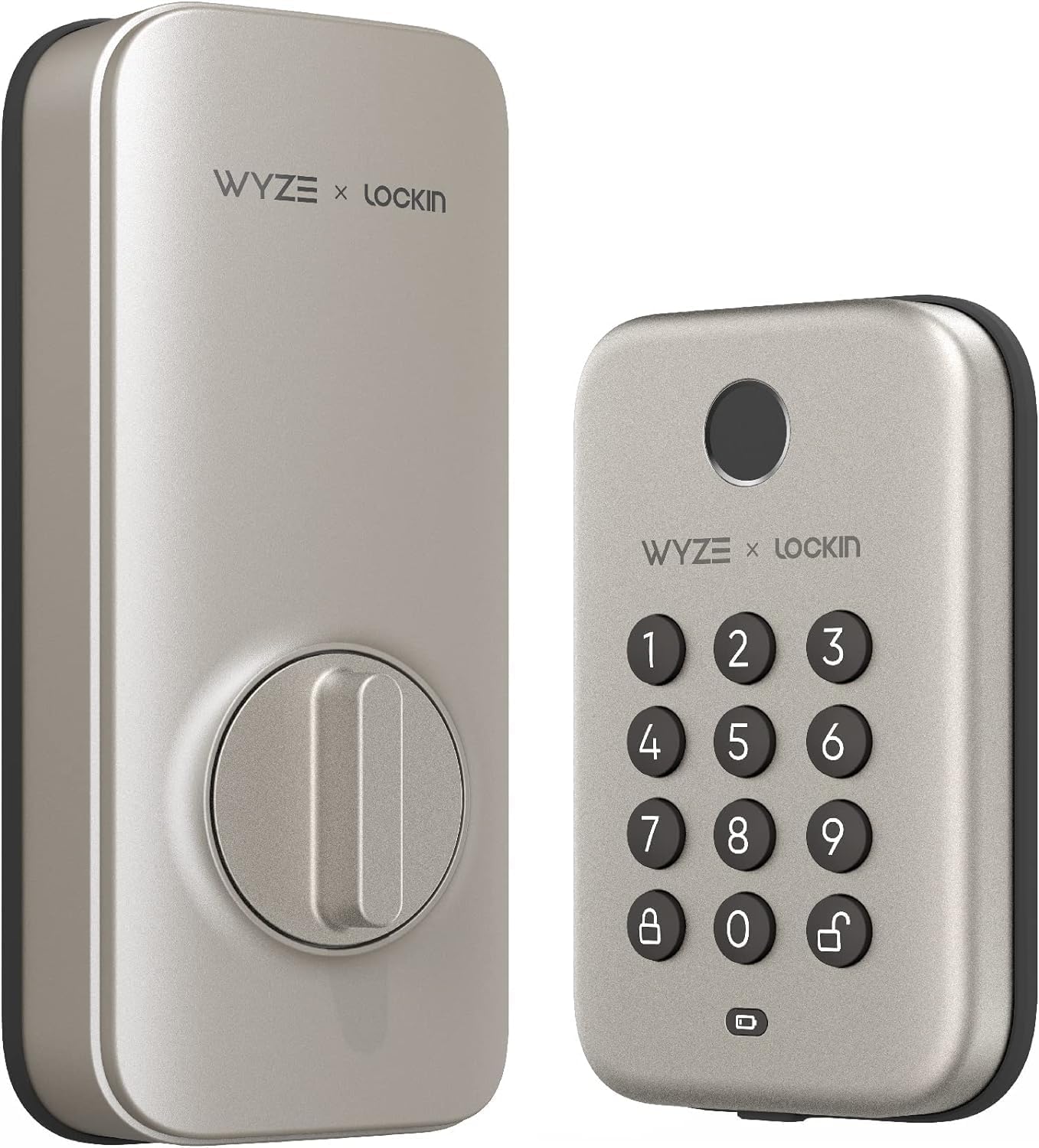 Visit on Amazon → Wyze Auto-Lock Bolt |
Electronic deadbolt, keypad and fingerprint, IPX5 | Yes | No | Cheap auto-lock for a rental door |
| Lock | Auto-lock | Weather rating | Setup order note |
|---|---|---|---|
| Lockly Vision | Check listing | Check listing | Pair app before adding anything else |
| eufy E330 | Check listing | Check listing | Confirm door thickness and backset first |
| DEVO G1 | Check listing | Check listing | App first, then everything else |
| Wyze Auto-Lock Bolt | Yes | IPX5 | Straight deadbolt swap, standard cutout |
The key column is the last one. Almost every pairing failure I have been called about was a setup-order problem, not a hardware problem, and the fix is a factory reset plus doing it in the right sequence. The second most common is the 2.4GHz band, and the third is a deadbolt that was never throwing all the way.
What actually matters
Field of view beats resolution. A 1080p doorbell that sees the whole porch beats a sharper camera that only sees the package thief's hat. If you are comparing two camera locks, find a sample clip of the same porch from both before you compare numbers.
Subscription-free is the better deal for most people. Cloud plans quietly cost more than the doorbell itself after two years, and paying monthly to unlock basic remote access on a lock you already bought is the worst deal in smart home. Local storage is the answer unless you genuinely need cloud clips for a short-term rental dispute.
Night vision is the test that matters. Porch pirates do not rob you at noon, and a camera that cannot identify a face at 11 p.m. is just a doorbell.
Auto-lock is non-negotiable for rentals. The tenant who forgot to lock up is the most common call in property management, and auto-lock ends it permanently. If you are choosing between a camera and auto-lock on a tight budget, take the auto-lock and add a separate camera later.
Check the deadbolt throw after every install. Every single time. It takes ten seconds and it is the difference between a locked door and a door that looks locked.
Should you buy the Lockly Vision Smart Lock with HD Video Doorbell?
If your door is solid, square, and yours, yes. It is the only one here that puts an HD video doorbell and the deadbolt in a single housing, so there is no second device to mount, no second battery to babysit, and no second app to open when a tenant asks who was on the porch. The trade is weight and cost. On a warped slab or a hollow-core door, the extra bulk makes alignment fussier, and you will fight the strike plate instead of enjoying the camera.
Should you buy the eufy Security Video Smart Lock E330?
Yes, for most people who want video and fingerprint entry in one unit. Fingerprint entry is fantastic for about six months and then the reader starts missing on wet or worn fingers, so treat the keypad as the real entry method and the fingerprint as a convenience. Confirm the door thickness and backset before you buy, because a lock that does not fit is a return, not a project.
Should you buy the DEVO G1 Keyless Entry Deadbolt?
Yes, if you want a camera on the porch without flagship money. It is the value pick of the three camera locks here. Read the install steps twice, because the setup order is where budget hardware usually goes wrong, and pair the app before you touch anything else. Do that and you avoid the factory reset that wipes every code you have set.
Should you buy the Wyze Auto-Lock Bolt?
Yes. It is the cheapest lock here, it has the auto-lock feature that ends the tenant forgot to lock up phone call, and the IPX5 rating means it tolerates weather on an exposed door. If you do not need a camera, this is the one I would put on a rental tomorrow. It is the no-brainer zone of this category: simple hardware, standard cutout, no subscription to open your own door.
The bottom line
Pick by door, not by spec sheet. A solid, square door unlocks the two flagship camera locks and everything they offer. A warped door, a hollow-core door, or a rental you do not own pushes you toward the Wyze Auto-Lock Bolt and a separate camera down the road. Whatever you choose, install it yourself, check the deadbolt throw, and set up the app before you add anything else. That order saves more returns than any feature comparison ever will.