Related: Smart Lock Setup Order: Pair the App Before the Gateway
A lock's job is to let the right people in and keep everyone else out, and every smart feature is decoration until the deadbolt actually throws. I spent five years as a working locksmith in Columbus, Ohio, rekeying deadbolts for landlords and drilling out seized cylinders at 7 a.m., and I've since put in more than 300 smart locks and doorbells for rentals and Airbnb hosts. When people ask me to sort through smart locks and video doorbells, I don't start with the spec sheet. I start with the install.
Here's why that matters. Installation is 90% of the review, because the person buying at 11pm needs the door working before bed. The two things that kill cheap locks are setup order and WiFi band. Pair the lock to the app first, then add the gateway. Do it backwards and you're looking at a factory reset, and I've done that twice in one month. Almost every lock and gateway in this category speaks 2.4GHz only, which is buried in the fine print while the box screams WiFi.
The four picks below cover the range: a palm vein deadbolt with a built-in doorbell, a camera lock for the value slot, a wireless doorbell for renters, and a 3-in-1 deadbolt for front doors with no existing wiring. Links go to Amazon, so check current Amazon price there, since these move.
Best Overall: TCL Smart Lock D2 Pro
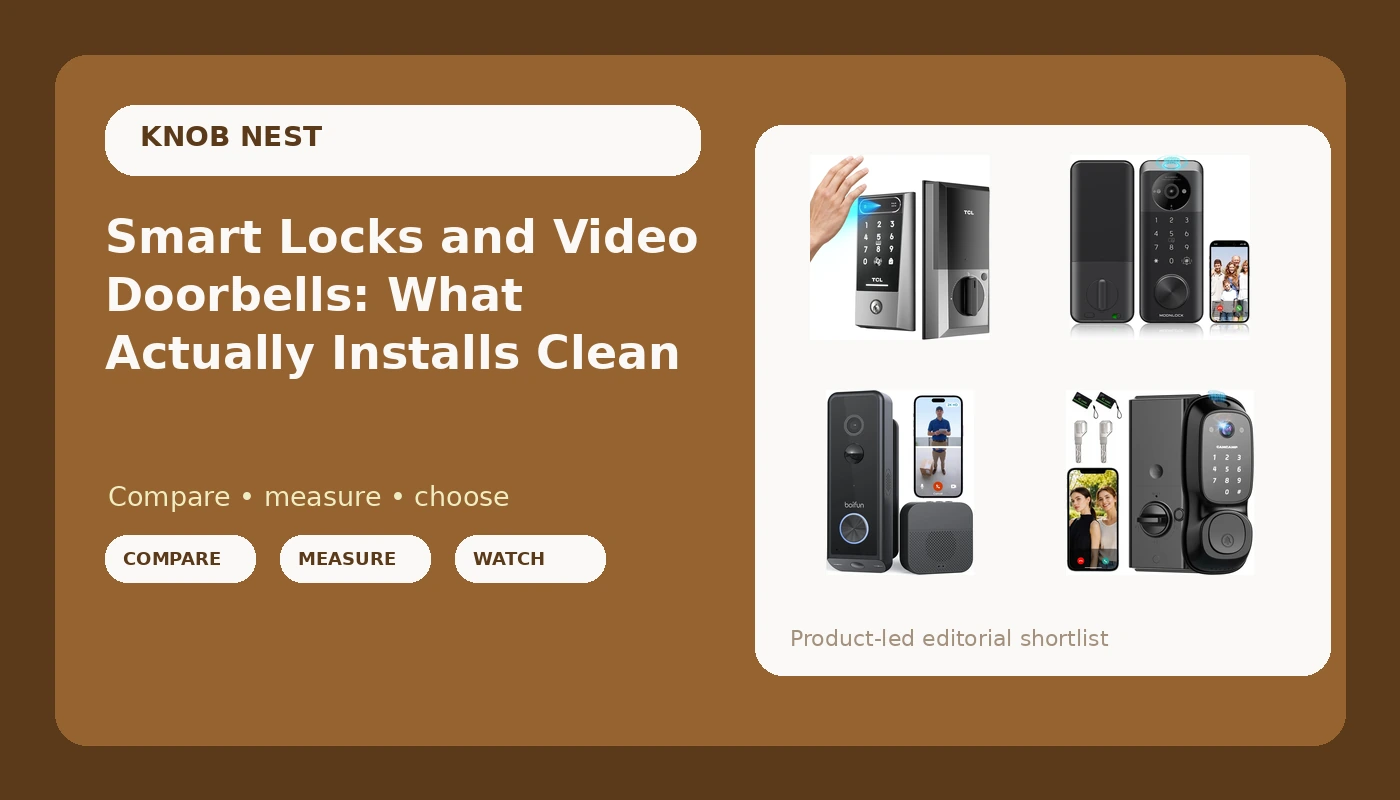
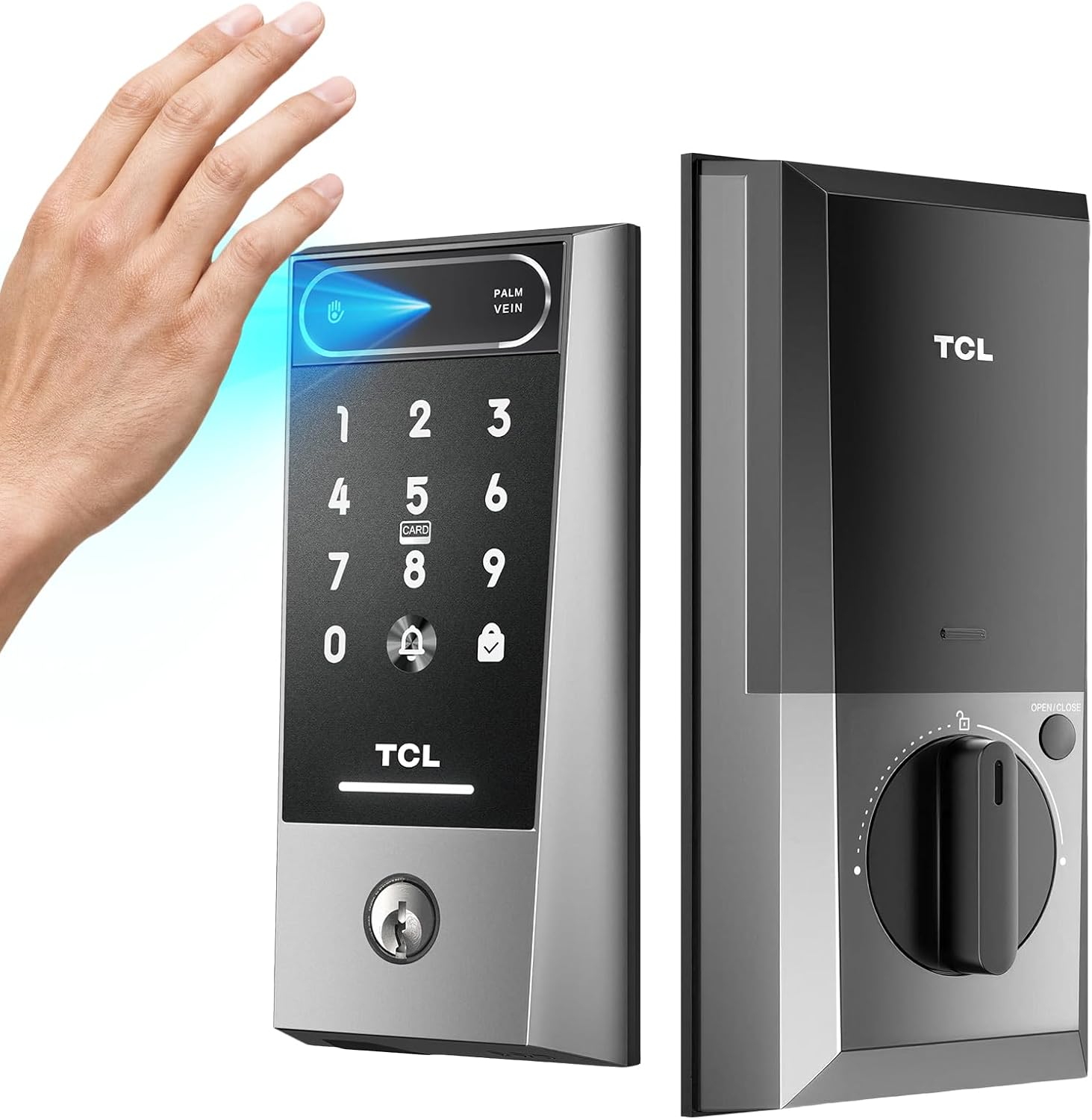
The TCL Smart Lock D2 Pro is a palm vein keyless entry deadbolt with a Wi-Fi keypad, a built-in doorbell, app and voice control, and support for Alexa and Google Home. It is rated for an 8-month battery, and that is the number I would verify first with real drain logging on a door that actually gets used, not a bench test with the lock sitting on a table.
Palm vein is the part that earns it the top slot. I have watched fingerprint readers work beautifully at month one and start missing on wet or worn fingers by month seven, and the standing fix has always been the same: buy one with a keypad backup or you are locking out your own guests. A palm reader sidesteps the worn-finger problem, which is the spec nobody tests and the one that decides whether you still like the lock next fall.
The built-in doorbell means one install instead of two, and that matters on a front door with no chime wiring. Two things I would check the day it arrives: whether the bolt fully throws into the strike plate, because a lock that does not throw looks locked and opens with a credit card, and whether the manual spells out the setup order on page one or buries it on page 14 of a foldout. Easy install for a front door is the claim, and on a standard residential door that is realistic if you read first and drill second.
Best Value: Smart Lock with Camera, Keyless Entry
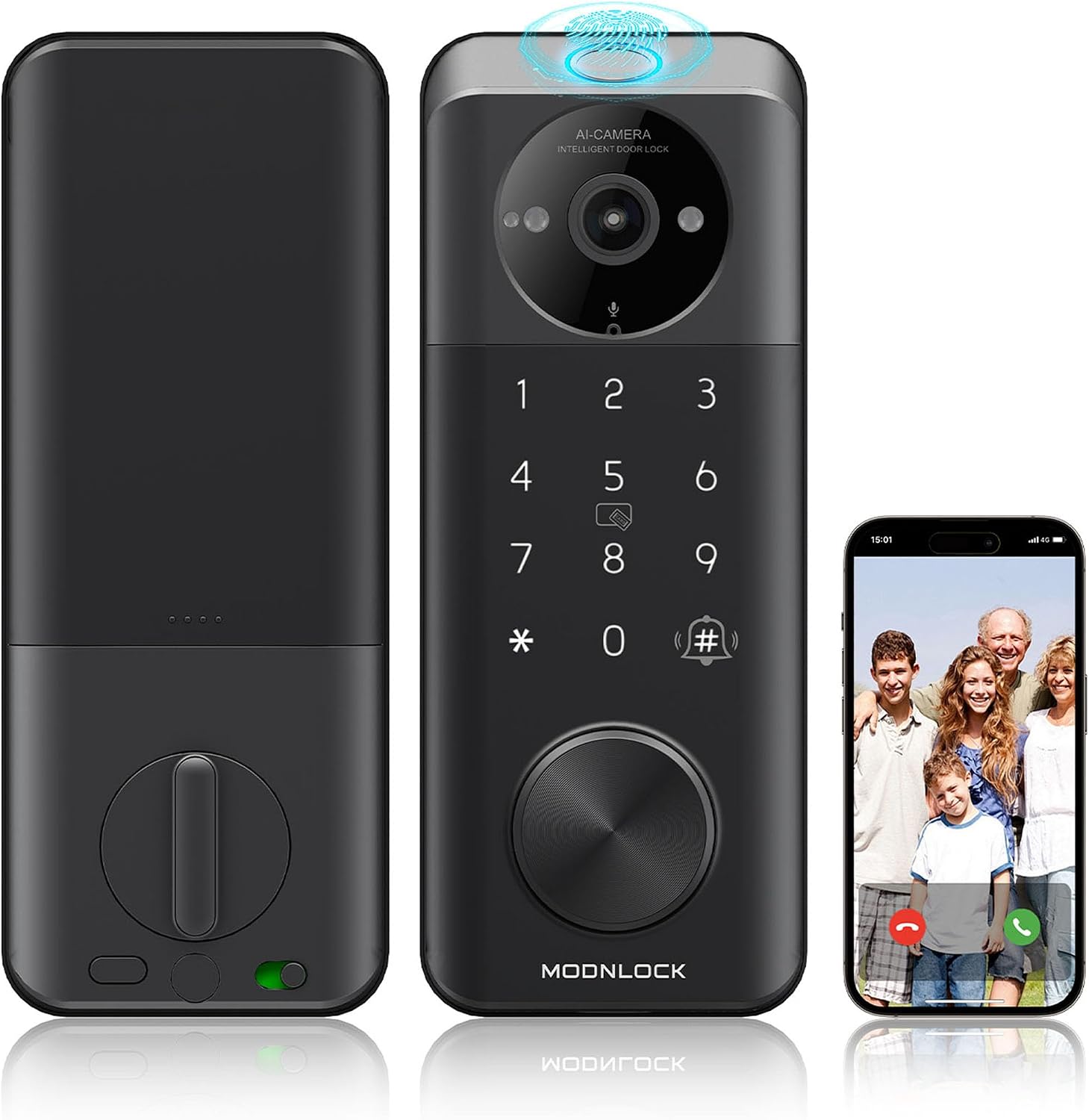
This is the value slot: a keyless entry smart lock with a built-in camera and Alexa and Google voice control. One device covering the deadbolt and the porch view is the right answer for a lot of front doors, especially rentals where drilling a second hole for a doorbell is never going to happen.
The $89 to $149 zone is the sweet spot in this category, and this lands in it. Under $60 is a lottery ticket, and I have seen the losing tickets in person, usually a reader that quits or an app that never pairs twice in a row.
What I would check before committing: whether remote access sits behind a monthly plan. Paying a subscription to open your own door is the worst deal in smart home. Then the camera angle. A camera lock that frames faces and misses the porch floor is a doorbell with extra steps. You want the box, the stoop, and the approach in frame. And confirm your router broadcasts 2.4GHz, because if it is 5GHz-only or split into two networks, this will never connect and the manual will not tell you why.
Best Wireless Doorbell: BOIFUN 2026 Dual Camera 2K Video Doorbell
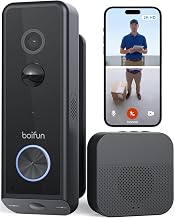
Field of view beats resolution. A 1080p doorbell that sees the whole porch beats a 2K doorbell that only sees the package thief's hat, and that is exactly why the dual camera layout here is interesting. Two cameras with a head-to-toe view put the porch floor, where the package actually lands, inside the frame. Most single-camera doorbells frame the face and miss the box entirely.
Wireless is the other half of the appeal. Battery doorbells exist exactly for people who rent, or who have an old chime with dead wiring and no appetite for an electrician. Check your lease and check the wiring before you buy anything, then let the battery version make the decision for you.
The test that matters is night vision. Porch pirates do not rob you at noon, and a doorbell that cannot identify a face at 11pm is just a doorbell. Judge this one on the night clip, not the sunny demo footage. Also weigh storage: subscription-free local storage is the answer for most people, because a cloud plan can quietly cost more than the doorbell itself after two years. Two-way audio is the feature everyone thinks they need and almost nobody uses past week two, so do not pay extra for it.
Best All-in-One: Video Smart Lock with Camera, 3-in-1 Smart Deadbolt
The 3-in-1 is for the front door that has no doorbell wiring and no room in the budget for two devices. A deadbolt, a camera, and a doorbell in one housing means one install, one battery to think about, and one app to open when a guest cannot get in.
The tradeoff is that when one part of a 3-in-1 misbehaves, you are troubleshooting the whole door. That is why I care about the setup order on this one more than on anything else in the guide. Get the app talking to the lock before you touch WiFi or a gateway, because the alternative is a factory reset that wipes every code you set, and the manual will not warn you.
Check the deadbolt throw after mounting, and turn auto-lock on the same day. Auto-lock is the single most underrated feature in this whole category. It ends the "the tenant forgot to lock up" call forever, and that is the most common phone call in property management. On a front door with a camera built in, it also means the door is never standing open on camera while nobody is home.
How I judge these
I have not had these four specific units on a door yet, so what I can give you is the checklist every lock has to pass before it earns a spot on this page, plus the claims I would verify first on each one.
Install on a real door in 20 minutes without calling support. Gateway and WiFi pairing on the first try, in the right order, on an ordinary 2.4GHz network. First-try entry logging over 30 days, including wet hands, cold hands, and gloves, because a reader that only works on demo fingers is not a reader. Real battery drain on a door that gets opened by real people, not a bench test. A night vision clip from an actual porch at 11pm. A deadbolt throw check after every install. Auto-lock switched on and timed.
That list is boring on purpose. Boring is what you want from a lock.
Analysis: what actually decides these buys
Setup order is the number one cause of returns in this category, and it is not a hardware problem. Pair the lock to the app first, then add the gateway. Backwards means a factory reset. The manual never says it clearly, so half of all support calls are people who did the steps in the order the box implied.
The 2.4GHz requirement is the second. A lock that will not connect is usually a router problem dressed up as a lock problem. If your network broadcasts 5GHz-only, fix that before you blame the hardware.
Auto-lock is the third, and it is free peace of mind. For rentals and Airbnb units it is non-negotiable. Set it for 30 seconds after the door closes and stop worrying about whether the last person out locked up.
On readers: fingerprint is fantastic for six months, then the reader starts failing on wet or worn fingers. Palm vein avoids that failure mode, which is why it is the spec I would pay for on a front door that gets used by everyone in the household.
On cameras: field of view beats resolution, night vision beats everything, and a subscription for basic remote access is a deal breaker. Buy hardware that opens your own door without a monthly bill attached.
Smart lock and video doorbell reference chart
This is the chart I keep on my phone while standing in a doorway. Setup order is identical for every row: lock to the app first, then WiFi or gateway. Prices move, so check current Amazon price on the listing.
| Product | Best for | Price | Setup and install note |
|---|---|---|---|
 Visit on Amazon → TCL Smart Lock D2 Pro |
Front doors, one-device installs, households with lots of different hands | $129.99 | Palm vein reader, Wi-Fi keypad, built-in doorbell, app and voice control, works with Alexa and Google Home, 8-month battery claim to verify |
 Visit on Amazon → Smart Lock with Camera, Keyless Entry |
Rentals and value buyers who want the lock and the porch view in one | $129.98 | Keyless entry plus camera, Alexa and Google voice control, confirm remote access is not subscription-gated |
 Visit on Amazon → BOIFUN 2026 Dual Camera 2K Video Doorbell |
Renters with no wiring, porches where packages keep disappearing | $69.99 | Dual camera head-to-toe view, wireless install, judge it on the 11pm night clip |
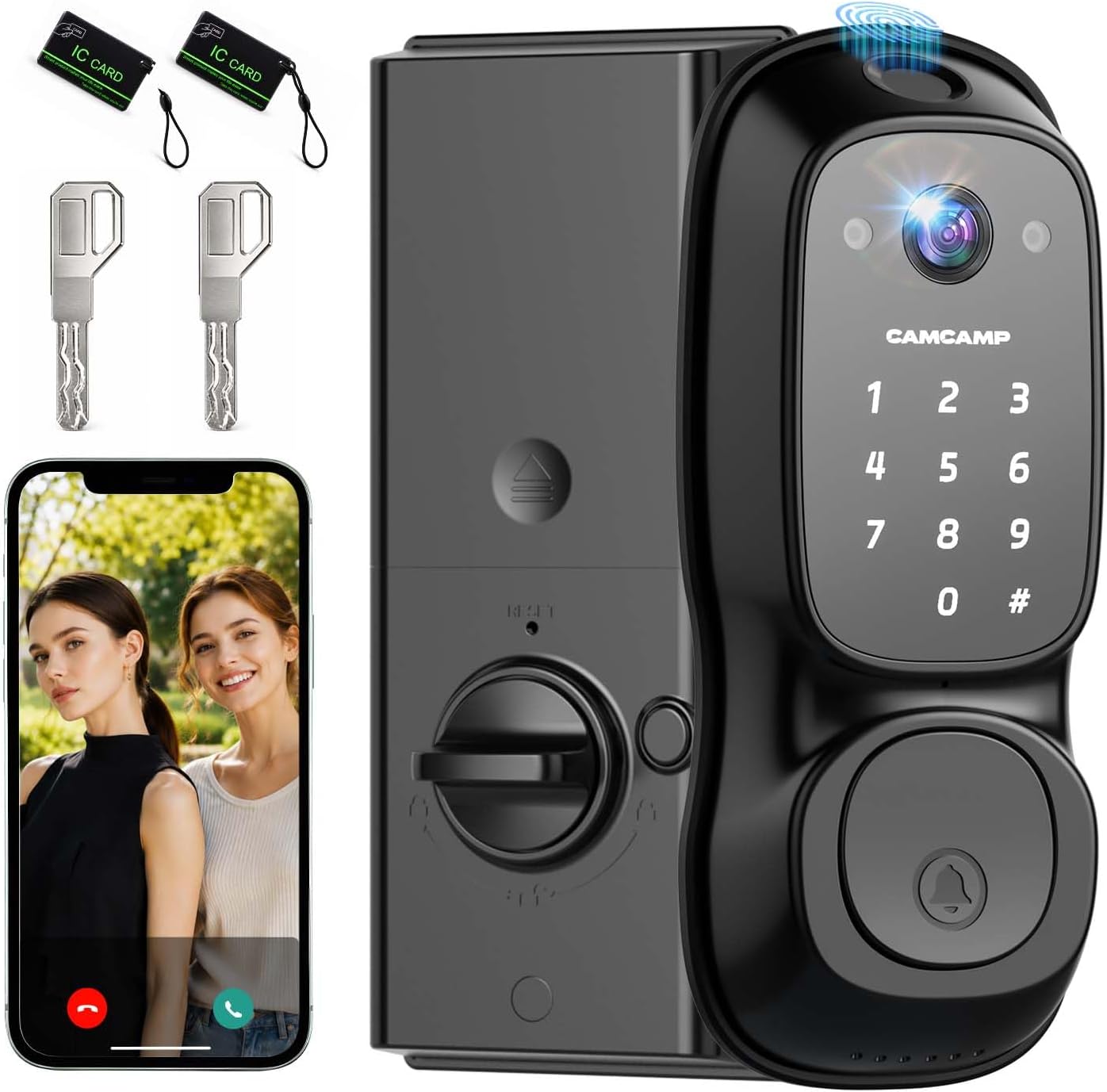 Visit on Amazon → Video Smart Lock with Camera, 3-in-1 Smart Deadbolt |
Front doors with no doorbell wiring and no room for two devices | $129.99 | Deadbolt, camera, and doorbell in one housing, check the bolt throw after mounting and enable auto-lock day one |
Should you buy the TCL Smart Lock D2 Pro?
Yes, if your front door has no doorbell wiring and you want the reader problem solved before it starts. Palm vein means no fingerprint sensor to degrade on wet or worn hands by month seven, and the built-in doorbell means one install instead of two. Verify the deadbolt throw after mounting, confirm the 8-month battery claim against your own usage, and follow the setup order. It is the pick I would make for a busy front door.
Should you buy the Smart Lock with Camera, Keyless Entry?
Yes, if you want the lock and the porch view from one device at a value price. It is the sensible middle of this guide. Before you buy, confirm that remote access does not require a subscription, and check that the camera angle catches the porch floor rather than just the visitor's face. For a rental where you cannot drill for a separate doorbell, this is the practical answer.
Should you buy the BOIFUN 2026 Dual Camera 2K Video Doorbell?
Yes, if you rent, if the old chime is dead, or if your current doorbell keeps missing packages. The dual camera head-to-toe view is the feature that actually changes what footage you end up with, because it frames the spot where the box lands. Judge it on the night clip, not the daytime demo, and lean toward local storage so a cloud plan does not outrun the price of the doorbell.
Should you buy the Video Smart Lock with Camera, 3-in-1 Smart Deadbolt?
Yes, if you have one door to solve and no wiring to work with. A deadbolt, camera, and doorbell in one housing is the cleanest install on this list. Check the deadbolt throw after mounting, turn auto-lock on the same day, and read the fine print on remote access before you commit. If the door already has a working chime and a separate camera, you do not need this. If it does not, this is the shortest path to a door that lets the right people in.