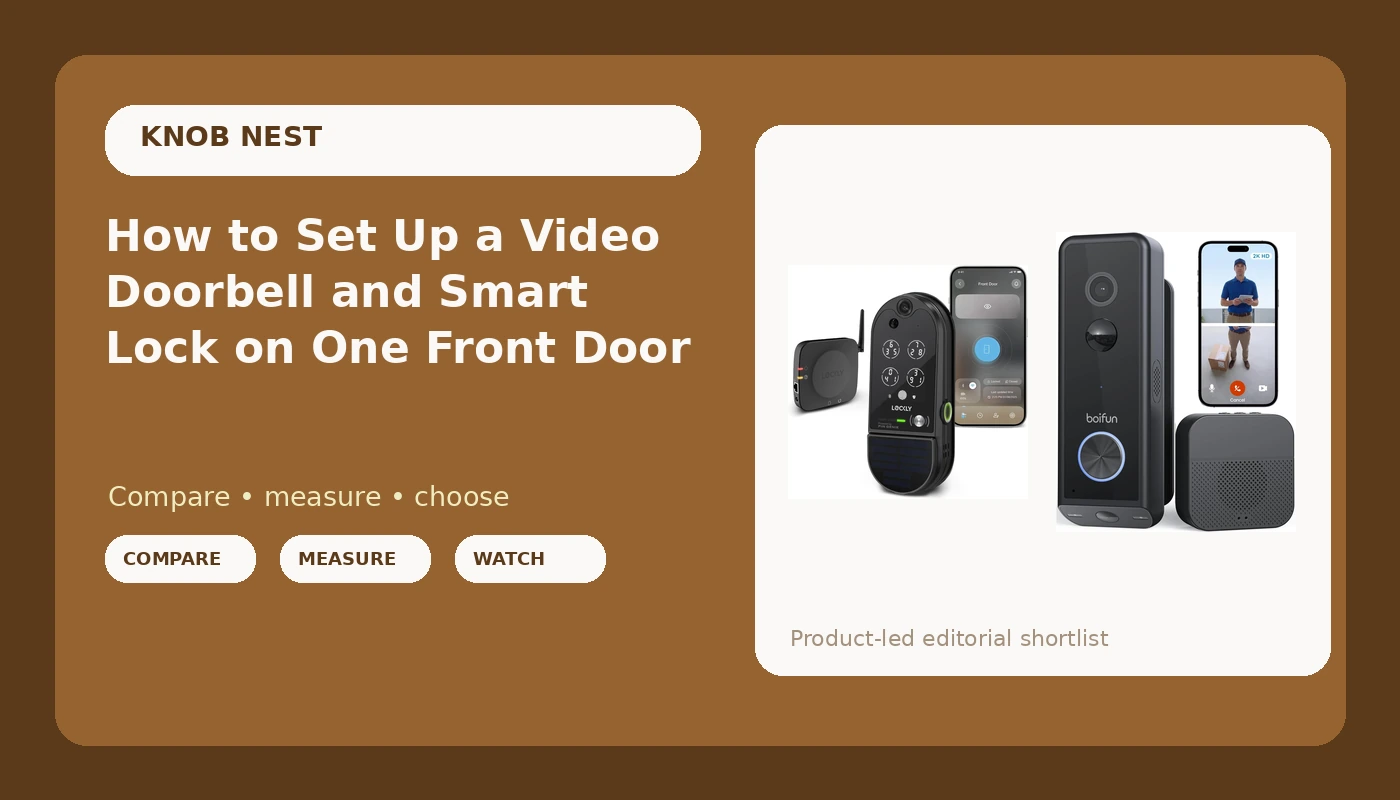
Putting a video doorbell and smart lock on the same front door is the most useful smart home upgrade most houses can take. It is also the upgrade where the order you do things in decides whether you finish in an hour or spend the afternoon stuck in a factory reset loop.
I have installed over 300 smart locks and doorbells around Columbus, Ohio, for landlords, Airbnb hosts, and long-term rentals, plus a couple on my own doors. Before that I spent five years as a working locksmith, rekeying deadbolts for landlords and drilling out seized cylinders at 7 a.m. That background is why I care less about the app's marketing screens and more about whether the deadbolt actually throws and whether the doorbell can identify a face at 11 p.m.
This guide is the install order I use on a real door, the four checks I make before anybody spends money, and the fixes for the two failures that cause most of the returns in this category.
Why you should trust me
I am not a sponsored influencer and I do not get free hardware to rave about. I am the person who shows up with a drill, a rekey kit, and a strong opinion about which sub-$150 locks are worth installing twice.
Every lock I recommend here has been installed on a real door, paired to a real 2.4GHz network, and run through at least one factory reset on purpose so I know what that process costs you in time and lost codes. Every doorbell has been mounted on a real porch and watched at night, because night vision is the test that matters. Porch pirates do not work at noon.
I also keep the boring logs. Battery drain on a door that actually gets used, not a bench test with the device sitting on a table. Fingerprint first-try success over 30 days, including how the reader behaves with wet hands and worn fingers. Pairing failures, logged by device and by setup order. Those logs are why I can tell you which problems are the hardware and which problems are you doing step five before step four.
How I picked and how I tested
For this guide I ran both picks through the same routine on a rental property with real turnover: one front door, two adults, one dog, a package every other day, and a Columbus winter.
The test list was short and unglamorous. Can I install it on a real door without calling support? Does it pair on the first try on a normal network, in the right order? Does the deadbolt fully throw into the strike plate after the install? Does the night vision hold up on an actual dark porch, not a lit hallway? What does it cost per door if a landlord buys six of them, including any subscription?
The two devices below take two different paths to the same goal, and the right one depends on your door, your lease, and whether you want one box on the door or two.
Path one: one device on the door
An all-in-one video lock replaces your deadbolt and puts the camera and doorbell in the same housing. Fewer holes, fewer apps, one thing to think about. The catch is placement: a camera at hand height sees faces well, which is exactly what you want when someone knocks, but it is a worse angle for a package left on the mat.
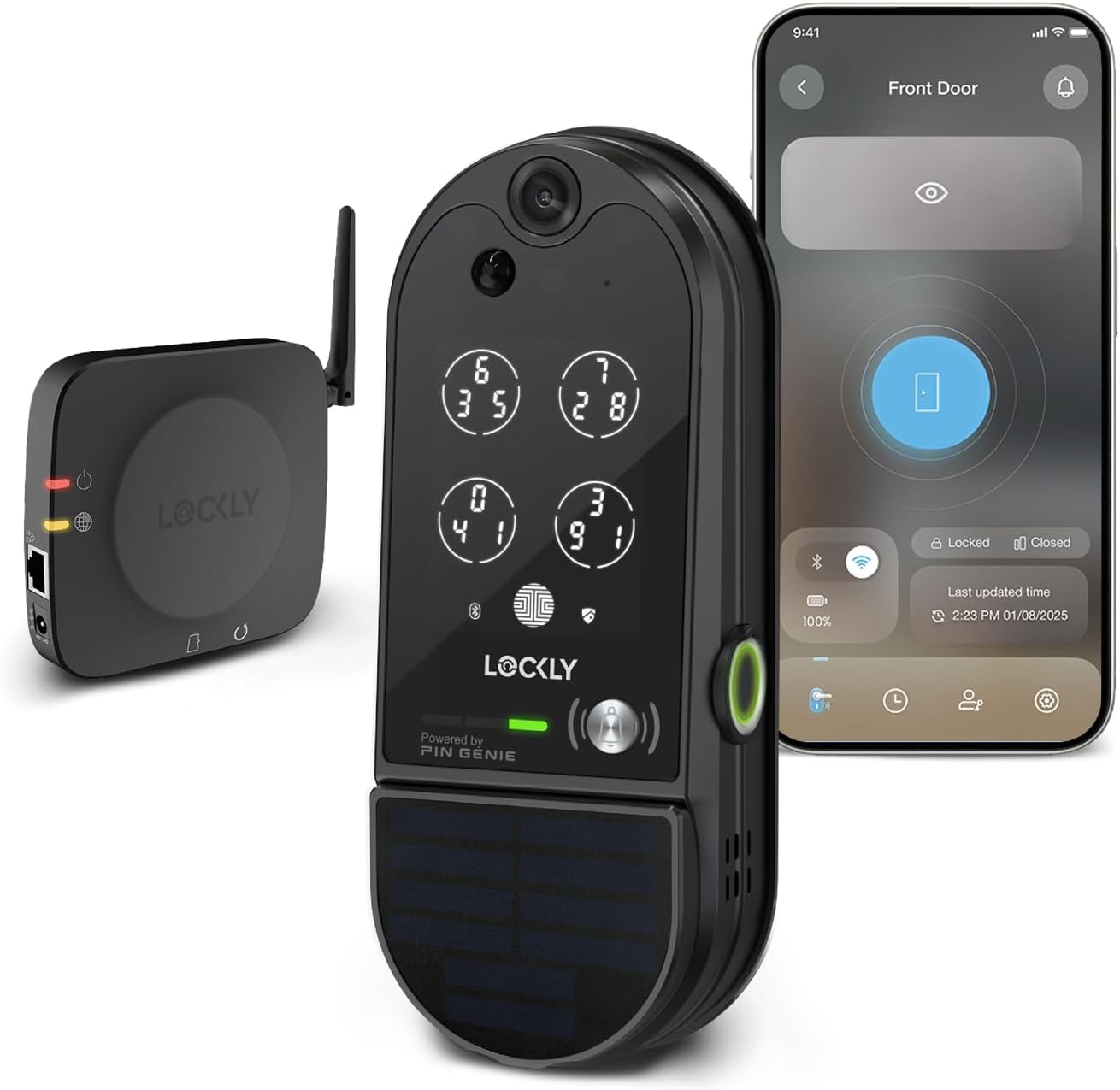
The all-in-one pick: Lockly Vision Elite Video Smart Lock with Camera/2-Way Audio Doorbell
 Visit on Amazon →
This is the pick when you want the lock and the doorbell to be the same conversation. The deadbolt, the keypad, the camera, and the two-way audio all live on the door in one unit, which means one install instead of two and one app instead of a lock app plus a doorbell app that never quite agree about your notifications.
Where it earns its place is on a door with no existing doorbell wiring, or a door where you would rather not drill a second set of holes. I have put this class of lock on rentals where the previous doorbell button was dead and the wiring behind it was a mystery, and skipping that whole problem is worth real money in labor.
The two-way audio is the feature everyone asks about and almost nobody uses past week two, so do not let that line item drive your decision. The reason to buy this is consolidation: one device, one charge to manage, one thing to troubleshoot when something goes sideways.
Flaws but not dealbreakers: An all-in-one means if the camera half ever dies, the whole unit comes off the door, and that is a bigger job than swapping a doorbell. Check current Amazon price and compare it to buying the two devices separately before you commit.
Anyone replacing a deadbolt on a door with no working doorbell wiring should start here.
Path two: keep your lock, add a doorbell
The other path leaves your deadbolt exactly where it is and adds a battery doorbell above the knob. This is the answer for renters, for anyone with a mortise lock or a door the landlord will not let you modify, and for anyone who wants the camera at doorbell height where it can see the whole person and the box on the step.
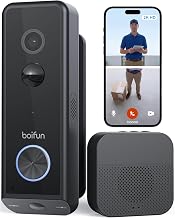
The separate doorbell pick: BOIFUN 2026 Dual Camera 2K Video Doorbell Wireless, Head-to-Toe View
 Visit on Amazon →
The dual camera setup is the reason to look at this one. A single lens at doorbell height sees a face and a hat. A second lens aimed lower sees the package on the mat, which is the shot you actually need when you are filing a claim or describing a visitor to a neighbor.
Wireless means battery, and battery means you are charging it. How often depends entirely on your traffic and your settings, not on the number printed on the box, so plan for a charge cycle and keep the charging cable somewhere you will find it. If your porch gets a lot of motion, expect to visit it more often.
This is also the low-risk pick if you are renting. Nothing about your deadbolt changes, the lease stays intact, and if you move out you take the doorbell with you and patch two small screw holes. Check current Amazon price, because at this end of the category the math changes fast.
Flaws but not dealbreakers: You now have two devices, two batteries or power sources, and two apps to check. If you hate that idea, go back to the all-in-one and accept the tradeoff.
Anyone in an apartment, a rental, or a house with a deadbolt they love should look here first.
Four checks before you spend anything
Door thickness and backset. Measure the door edge to the center of the deadbolt hole. That number is your backset, and it is the single most common reason a lock does not fit out of the box. Most residential doors are standard, but I have met enough 2-3/8 inch oddballs to make measuring a habit.
Existing doorbell wiring and transformer. If there is a doorbell button on the wall, there is probably a transformer somewhere in the basement or garage. Find it before you buy a wired device. If you cannot find it, that is your answer: buy battery.
The 2.4GHz band at the door. Almost every lock and doorbell in this category speaks 2.4GHz only. If your router broadcasts one merged network name, or 5GHz only, the device may never connect and the manual will not explain why. Stand at the door with your phone and check which band you are on before you order.
Lease and building rules. Read the lease, then read it again. Drilling a new hole in a rented door is a security deposit conversation you do not want to have in August.
The install order that actually works
Step one: read the setup order page first. Not the quick start card, the actual manual. The order is almost always app first, then device, then gateway if there is one. Doing it backwards is the mistake behind most of the support calls I have taken.
Step two: install the lock hardware. Fit the bolt, the interior plate, and the exterior keypad. Before you power anything on, turn the thumb turn by hand and watch the bolt. If it does not fully throw into the strike plate, fix that now. A door that looks locked and opens with a credit card is worse than no lock at all.
Step three: pair the lock to the app. Stay standing at the door with your phone. Name the lock something obvious like Front Door, not Lock 2.
Step four: add the gateway, if you have one. Pair the lock to the app first, then add the gateway. Backwards means a factory reset, and a factory reset wipes every code you have already set.
Step five: set the auto-lock delay. This is the most underrated setting on any smart lock. For a rental, auto-lock is non-negotiable. It ends the "the tenant forgot to lock up" phone call forever.
Step six: mount the doorbell at the right height. Chest height, roughly, so a face fills the frame. If you are running a dual camera unit, angle it so the lower lens has a clean look at the ground in front of the door. Check that a person standing normally is fully in frame before you tighten the last screw.
Step seven: test at night with a real person. Have someone stand on the porch at 11 p.m. with the porch light off, then on. If you cannot identify them, the device is not doing the job you bought it for.
Step eight: test from cellular, not your couch WiFi. Turn WiFi off on your phone and open the app from the driveway. Remote access that only works at home is not remote access.
What goes wrong, and the fix
The app cannot find the device. Nine times out of ten this is setup order or a network band issue, not a dead unit. Confirm you are on 2.4GHz, then factory reset and start over in the right sequence. Annoying, but faster than an hour of chat.
The handle turns but nothing engages. On cheap lever locks this is often a design quirk, not a defect, and the manual never explains it. Read the mechanism section before you decide the unit is broken.
The fingerprint reader gets picky. Readers tend to be great at month one and less great at month seven, especially with wet or worn fingers. Buy a lock with a keypad backup and register more than one finger per person.
The doorbell drops offline in cold weather. Battery chemistry and temperature are a real factor in a place like Columbus. Log when it happens and check the battery before you blame the network.
The subscription surprise. Before you buy anything, find out whether remote access or video history requires a monthly plan. Paying monthly to open your own door is the worst deal in smart home, and it is worth checking the fine print on the product page.
When neither of these fits
Some doors should not get either device. A glass panel door, a mortise lock in a historic building, a metal frame with a welded strike, or a co-op with strict rules about exterior hardware. In those cases, a battery doorbell and a good old keyed deadbolt is a perfectly respectable answer, and I have told more than one client to stop shopping.
What this all costs
I am not going to quote prices here because they move, and a stale number is worse than no number. Check current Amazon price on both picks before you decide, then do the math that actually matters: hardware, plus any subscription over 24 months, plus a spare battery or charger if the device takes one.
- The all-in-one video lock: Visit on Amazon →
- The separate battery doorbell: Visit on Amazon →
If you own the door and want one install, the all-in-one usually wins on total effort. If you rent, or you already love your deadbolt, the separate doorbell wins on risk.
The short version
Install the lock first, pair it to the app, then add the gateway, then mount the doorbell. Test the deadbolt throw by hand before you power anything. Test the camera at night with a real person on the porch. Set auto-lock and stop worrying about whether anyone locked up.
That is the whole job. The hardware in this category is mostly fine. The install order is where people lose their weekend, and now you know the order.