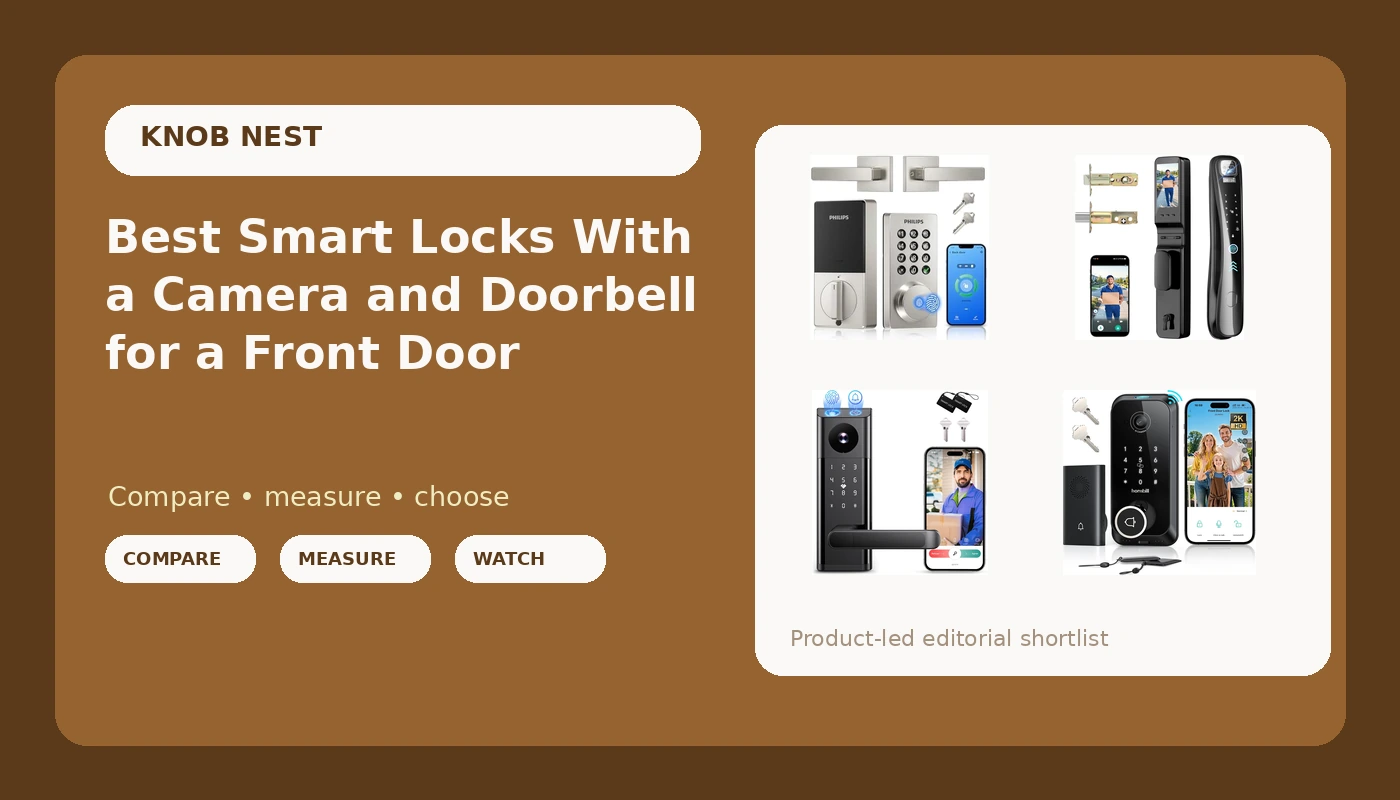
Most people do not set out to buy a deadbolt. They set out to stop hiding a key under a rock, or to stop driving across town to let a tenant in, or to find out who walked off with the package at 2 p.m. on a Tuesday. That is when the front door turns into a project: you want a smart lock with camera and doorbell that does the job of a lock, a porch camera, and a doorbell at once, on a door that may have been hung decades before anyone said the word "app."
This guide covers six keyless deadbolts that put entry and porch surveillance into one housing, from a plain WiFi keypad deadbolt with a handle to 2K camera models with face and fingerprint access. Everything below comes from the product listings themselves: the entry methods each lock offers, how the camera and doorbell are built in, whether WiFi is onboard, whether auto-lock is listed, and whether the maker charges a monthly fee. What no listing can tell you is how your door is drilled, so treat installation as a door-specific job rather than a plug-and-play one.
Related: Smart Lock and Gateway Pairing Order: The Setup Mistake That Forces a Factory Reset
Quick answer
The Hornbill Video Smart Lock with Camera is the strongest fit for a front door that needs entry and a porch view from one device because it combines a 2K camera, a doorbell, and fingerprint keyless entry in a single built-in WiFi deadbolt, and its listing states no monthly fee, which keeps remote access off a subscription. Choose the Smart Lock with Camera & Doorbell, 3-in-1 Keyless Entry Door Lock with Handle, Built-in WiFi Camera Smart Lock for Front Door, Fingerprint, Keypad Code, App Control, Auto Lock instead when you want the handle and the deadbolt on one plate and auto-lock listed alongside the camera.
Smart locks with camera and doorbell worth comparing
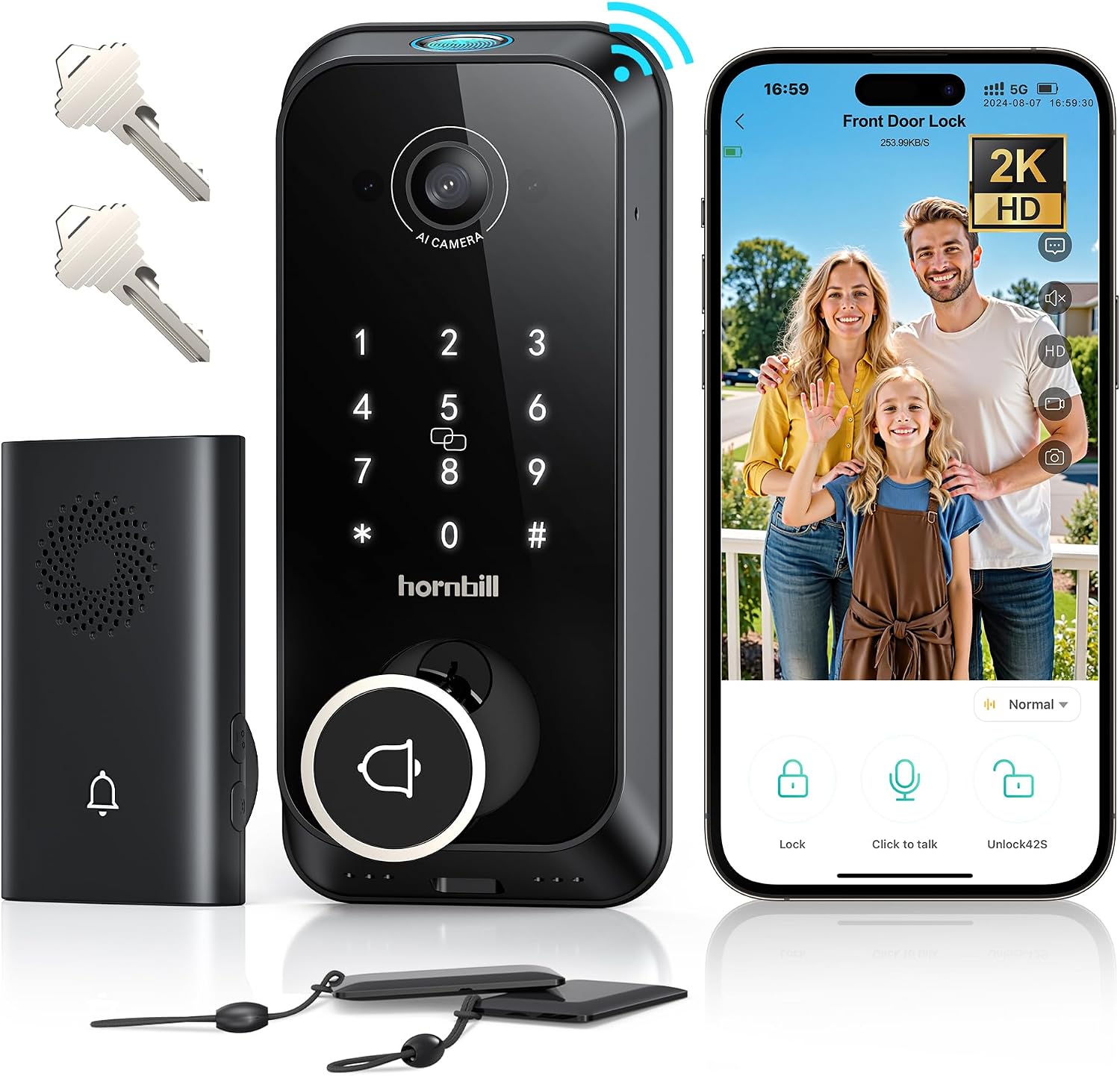
Hornbill Video Smart Lock with Camera: 10-in-1 Ring+2K Camera+Doorbell+Fingerprint Keyless Entry Door Lock, Built-in WiFi Deadbolt(only 2.4G), Two-Way Audio/App Remote Control/PIR, No Monthly Fee
Check current Amazon price
A 10-in-1 video smart lock that builds a 2K camera, doorbell, and fingerprint keyless entry into one WiFi deadbolt. The listing adds two-way audio, PIR motion sensing, and app remote control, states no monthly fee, and notes the WiFi radio is 2.4GHz only.
Visit on Amazon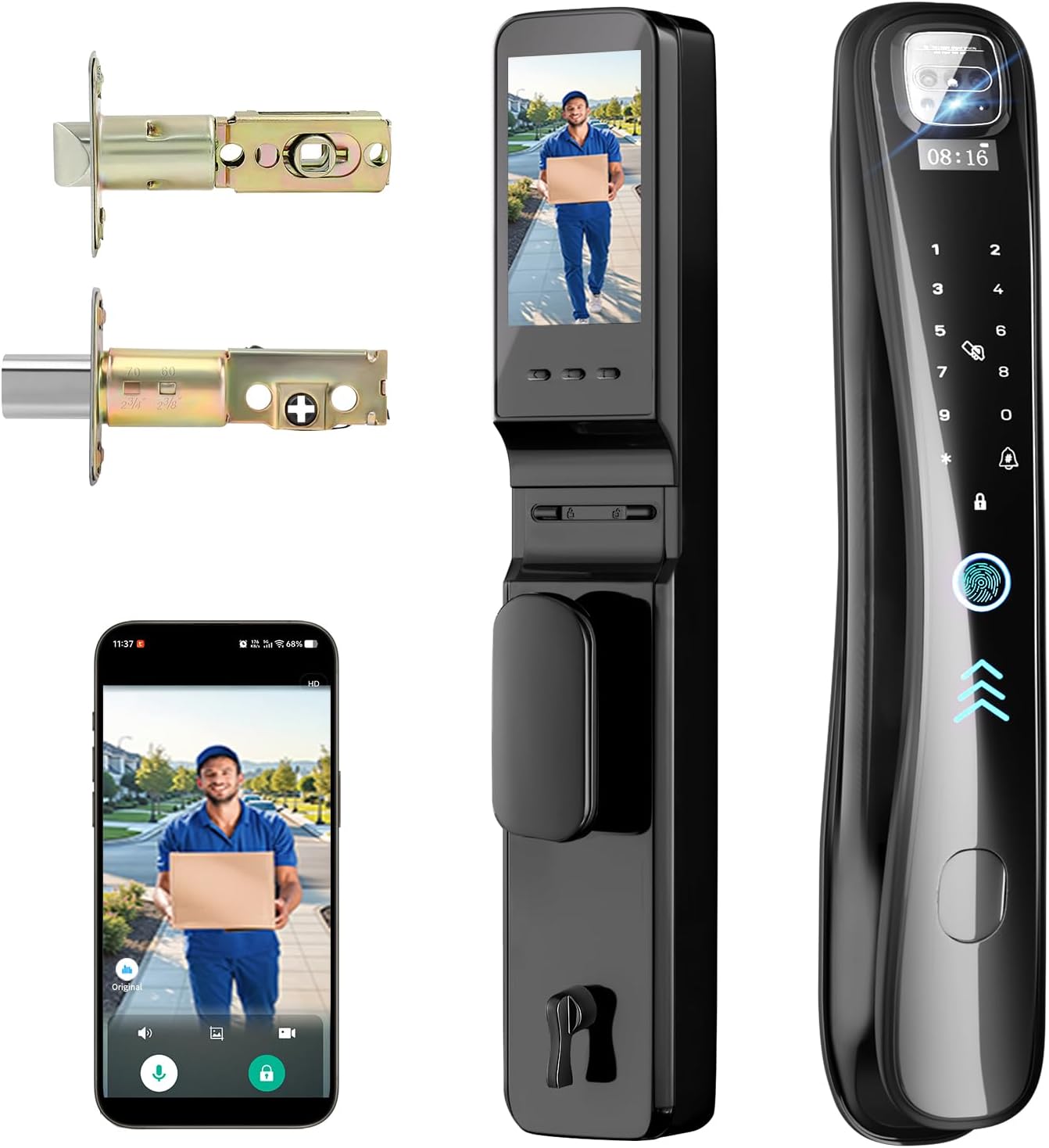
EIYSIE WiFi Smart Lock with Camera Video Doorbell, 8-in-1 Keyless Deadbolt
Check current Amazon price
An 8-in-1 keyless deadbolt that pairs a WiFi smart lock with a camera and video doorbell in one housing, so entry and the porch view come from the same device.
Visit on Amazon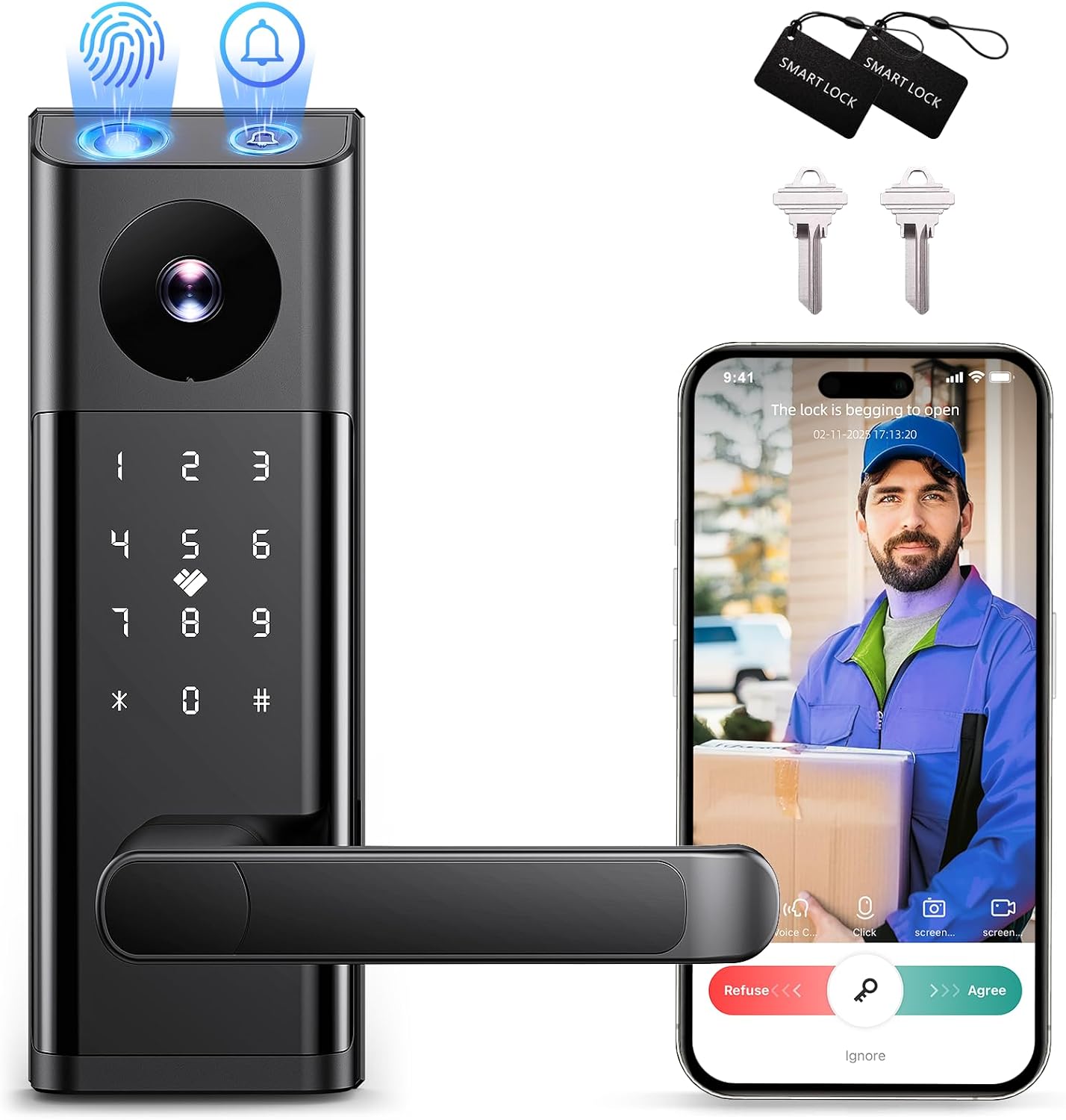
Smart Lock with Camera & Doorbell, 3-in-1 Keyless Entry Door Lock with Handle, Built-in WiFi Camera Smart Lock for Front Door, Fingerprint, Keypad Code, App Control, Auto Lock
Check current Amazon price
A 3-in-1 keyless entry lock that puts a handle and deadbolt on one plate with a built-in WiFi camera and doorbell. Fingerprint, keypad code, and app control are all listed, along with auto-lock.
Visit on Amazon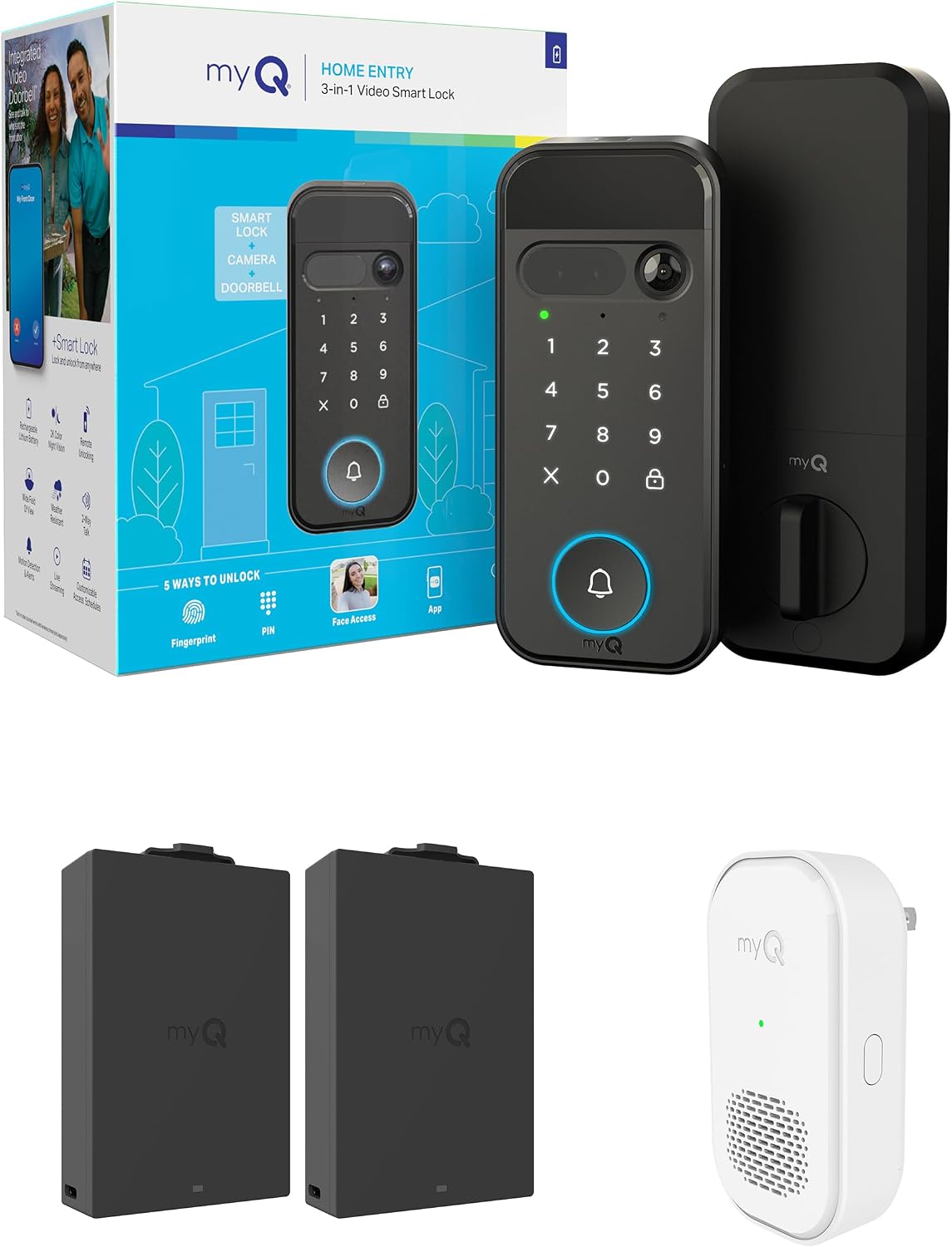
myQ Secure View™ 3-in-1 Smart Lock Deadbolt + myQ Chime + Extra Battery, Keyless Entry Lock, 2K HDR Doorbell Camera, Face, Fingerprint & PIN Access, App Control, Color Night Vision & Two-Way Audio
A 3-in-1 deadbolt bundle that adds a myQ Chime and an extra battery to a 2K HDR doorbell camera lock. Access options cover face, fingerprint, and PIN, with app control, color night vision, and two-way audio.
Visit on Amazon
Philips WiFi Keypad Deadbolt with Handle, Built-in WiFi, APP Remote Control
A keypad deadbolt with an integrated handle, built-in WiFi, and app remote control. It is the camera-free option in this group, with no porch view to configure or maintain.
Visit on Amazon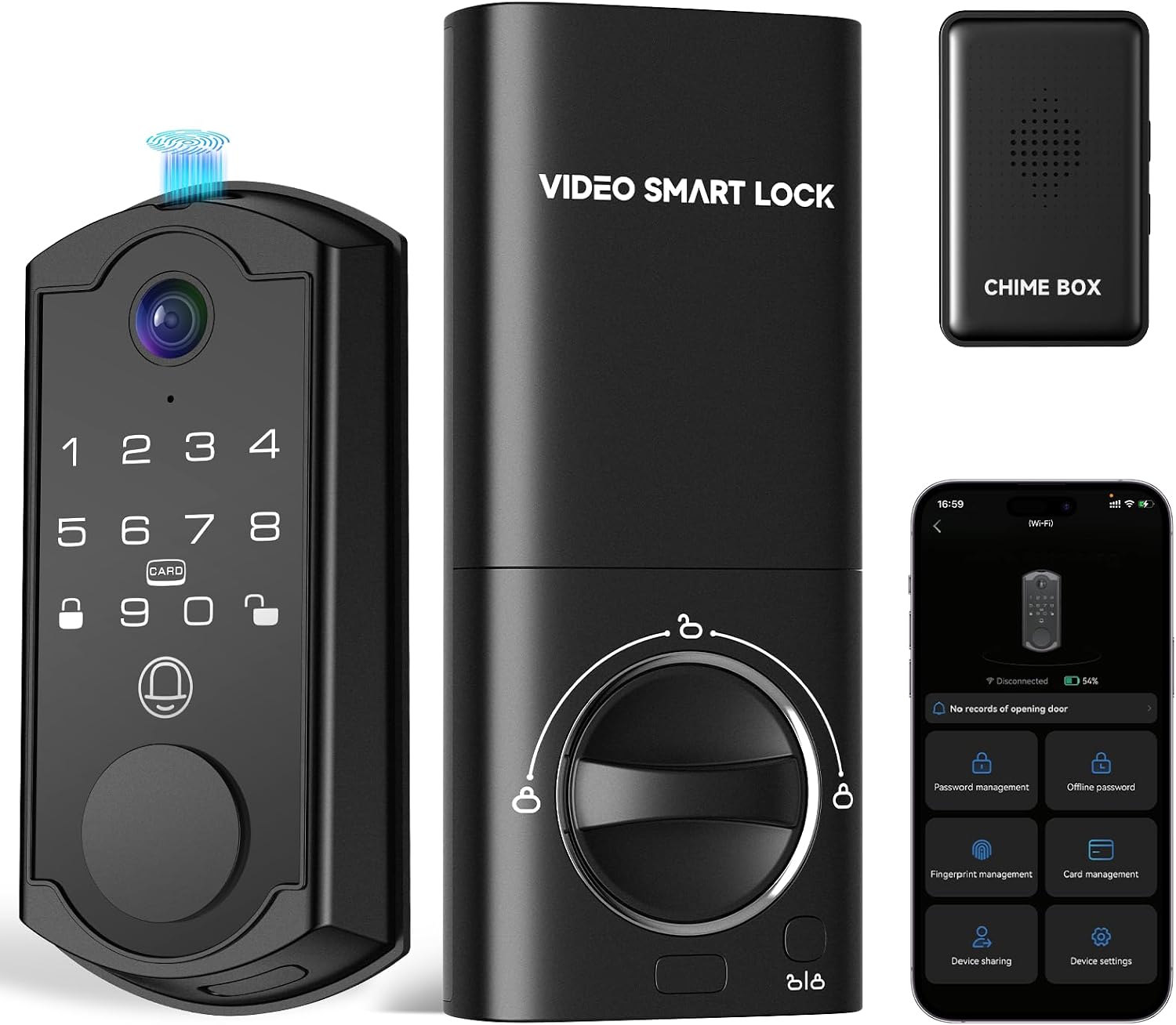
syndesmos Smart Door Lock with Camera, Fingerprint Keypad Deadbolt, APP Remote Control, Video Doorbell with 2-Way Audio, Auto Lock, Keyless Entry Electronic Smairt Lock for Front Door, Black
Check current Amazon price
A keyless entry deadbolt with a fingerprint keypad, camera, and video doorbell with two-way audio. App remote control, auto-lock, and a black finish are all listed.
Visit on AmazonPrices and availability may change. Check the retailer for current details.
How these products were compared
This guide compares the entry methods each lock supports, including fingerprint, keypad code, PIN, face, and app control. It also weighs how the camera and doorbell are integrated into the lock body, whether WiFi is built in or needs a separate bridge, whether auto-lock is listed, and whether the maker advertises a recurring fee. Product names, images, and retailer links are matched by ASIN so that every card points to the product shown. Where a listing does not state a detail, this article does not fill the gap with a guess.
How to choose the right smart lock
Start with the door, not the feature list. Measure the backset, which is the distance from the edge of the door to the center of the existing deadbolt hole, because 2-3/8 inch and 2-3/4 inch are both common and the wrong one means boring new holes. Check the cross bore too, since a lock with an integrated handle needs the handle and deadbolt holes to line up with the replacement. If you rent, read the lease before you cut anything and favor a model that reuses the existing holes so the old hardware can go back on at move-out. Then confirm your network broadcasts 2.4GHz, because that is the band nearly every lock in this category speaks, and a 5GHz-only setup will leave you staring at a lock that never connects.
Next, decide what actually has to open the door. A keypad code is the fastest thing to hand a dog walker, a cleaner, or a guest, and it is the feature that never degrades with wet hands. Fingerprint entry is convenient for the people who live there, but it is also the feature most likely to disappoint over time, which is why a keypad backup matters on any fingerprint lock. Face and PIN access adds another layer for households that want it. A camera built into the deadbolt is also a different job than a camera mounted above the door: the lock sits lower, so the view lands closer to a visitor's chest than their face, and night vision matters more than resolution because most porch incidents happen after dark. Finally, read the subscription terms before you buy. A lock that charges monthly for remote access is a recurring cost on a device you already paid for.
Hornbill Video Smart Lock with Camera
The Hornbill Video Smart Lock with Camera earns the top slot because it does the most jobs in one piece of hardware. The listing describes a 10-in-1 video smart lock with a 2K camera, a doorbell, and fingerprint keyless entry built into a WiFi deadbolt, plus two-way audio, PIR motion sensing, and app remote control. It is also the listing that tells you up front the WiFi radio is 2.4GHz only, which is the detail that decides whether setup works on the first try or turns into an afternoon of factory resets and support chat.
The trade-offs are real. A deadbolt-only design means you keep your existing handle and knob, so the finish on the new lock may not match what is already on the door. The camera lives low on the door, which puts the porch view at hip and chest height rather than a bird's-eye angle. And the no-monthly-fee claim belongs to the maker, not to this article, so confirm what the app includes before you rely on it for recorded events.
Alternatives to consider
The EIYSIE WiFi Smart Lock with Camera Video Doorbell, 8-in-1 Keyless Deadbolt is better suited to someone who wants the longest feature list bundled into a single housing, with eight functions in one keyless deadbolt. The Smart Lock with Camera & Doorbell, 3-in-1 Keyless Entry Door Lock with Handle, Built-in WiFi Camera Smart Lock for Front Door, Fingerprint, Keypad Code, App Control, Auto Lock is a stronger fit when the handle and deadbolt need to match on one plate and you want auto-lock listed alongside fingerprint, keypad, and app entry.
The myQ Secure View™ 3-in-1 Smart Lock Deadbolt bundle with the myQ Chime and an extra battery covers face, fingerprint, and PIN access plus a 2K HDR camera, color night vision, and two-way audio, and it is the only bundle here that ships with a chime and a spare battery. Its listing does not make a no-monthly-fee claim, so check what the app includes before you buy. The Philips WiFi Keypad Deadbolt with Handle is the camera-free pick: built-in WiFi, a keypad, a handle, and app remote control, with no porch camera to configure. The syndesmos Smart Door Lock with Camera rounds out the field in black with a fingerprint keypad, a video doorbell with two-way audio, app remote control, and auto-lock.
Day-to-day use and maintenance
Auto-lock is the feature that pays for itself in a rental. Set the delay so the door re-locks a few seconds after it closes, and the tenant who forgets to lock up stops being a phone call. Guest codes should be deleted at turnover rather than reused, because a code that lives in a former guest's phone is a code you no longer control. Keep a physical key or a second entry method available, since every electronic lock eventually runs out of battery at the least convenient moment, and know where the manual hides the reset procedure before you need it.
Battery life is the one number nobody can predict for you. It depends on how often the motor runs, how often the camera wakes on motion, and how cold the door gets in winter, because low temperatures pull capacity down on every battery chemistry. Fingerprint readers deserve the same honesty: they work best on clean, dry fingers, so a reader that asks for a second try in the rain is behaving normally rather than failing. Wipe the keypad and fingerprint surface with a dry or lightly damp cloth instead of a spray, follow the maker's cleaning instructions, check after the first week that the deadbolt throws fully into the strike plate, and install firmware updates when the app offers them.
Buying checklist
- Measure the backset and cross bore on your door, and note whether the handle and deadbolt holes match the model you want.
- Confirm your WiFi network broadcasts 2.4GHz, since that is the band these locks use.
- Choose entry methods around the people who use the door daily, and keep a keypad as backup to any fingerprint reader.
- Confirm the exact model includes the camera, doorbell, auto-lock, and handle configuration you are counting on.
- Read the subscription terms, cleaning instructions, and maintenance notes before the return window closes.
- Verify the current retailer price, availability, and return terms.
Final recommendation
Choose the Hornbill Video Smart Lock with Camera when you want one deadbolt to handle entry, the doorbell, and a 2K porch view, and you are fine keeping your existing handle. Choose the Smart Lock with Camera & Doorbell, 3-in-1 Keyless Entry Door Lock with Handle, Built-in WiFi Camera Smart Lock for Front Door, Fingerprint, Keypad Code, App Control, Auto Lock when the handle and deadbolt need to match and auto-lock matters as much as the camera. If face access, color night vision, and a spare battery are worth more to you than the smallest possible footprint, price out the myQ Secure View™ 3-in-1 Smart Lock Deadbolt bundle before you decide.
Whichever you pick, buy the lock that fits your door and your network first. A lock that never pairs is not a lock. It is a paperweight with a fingerprint reader.