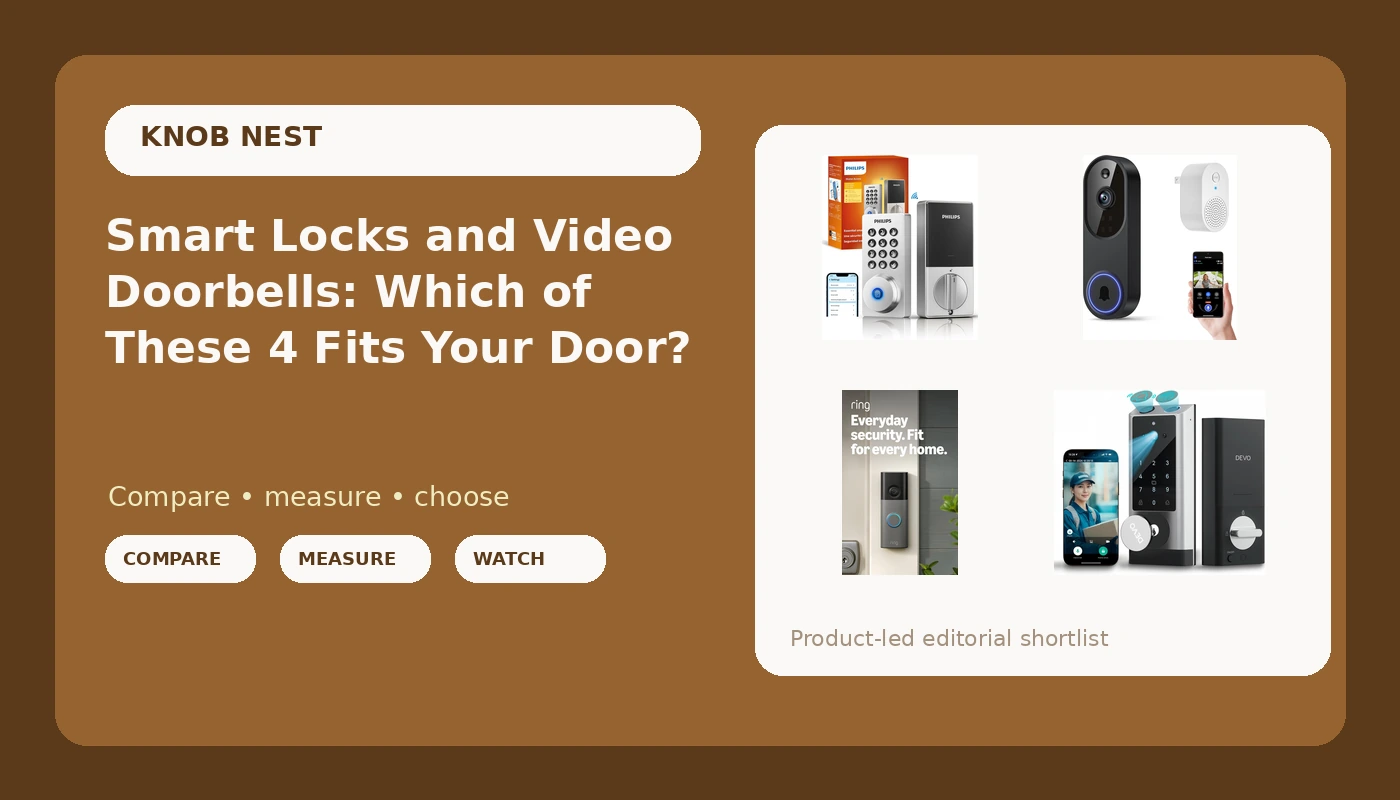
I have drilled out more seized cylinders at 7 a.m. than I can count, and since 2021 I have installed over 300 smart locks and doorbells for landlords, Airbnb hosts, and renters around Columbus. That is why this comparison of smart locks and video doorbells does not open with a spec sheet. It opens with the question I actually get asked: when the bolt turns and the porch light is off, does the thing work?
Related: Video Doorbell Field Of View Vs Resolution: What Actually Matters
The short answer: the Devo G1 is the most useful single purchase here, because it is a lock, a camera, and a doorbell in one device and it covers the two jobs that matter most at a front door. If you already have a deadbolt you trust, the Ring Battery Doorbell 2K is the doorbell to add, and the Philips Wi-Fi Smart Deadbolt is the pick when you want keyless entry and nothing else on the door.
Everything below is a four-way comparison of the models I would actually put in front of a landlord or a first-time buyer. No price guessing, no invented test numbers, just what each device is built to do and where it falls down.
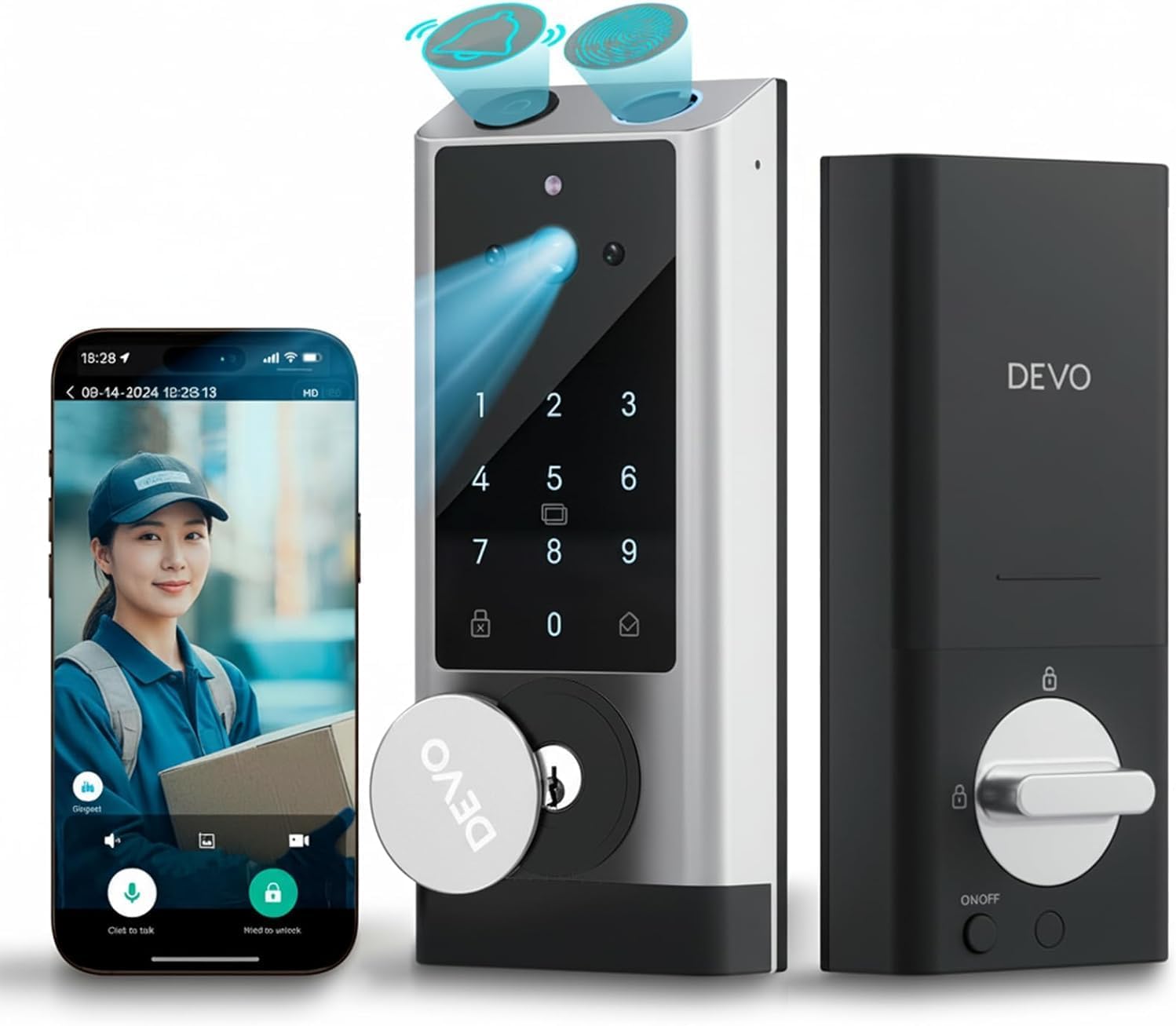
Devo G1 Video Smart Lock with Camera & Doorbell, Fingerprint Keyless Entry
Lock, camera, doorbell, and fingerprint entry in one box, so one install covers the door and the porch
One device doing four jobs means one pairing problem can take the lock, the camera, and the fingerprint reader down together
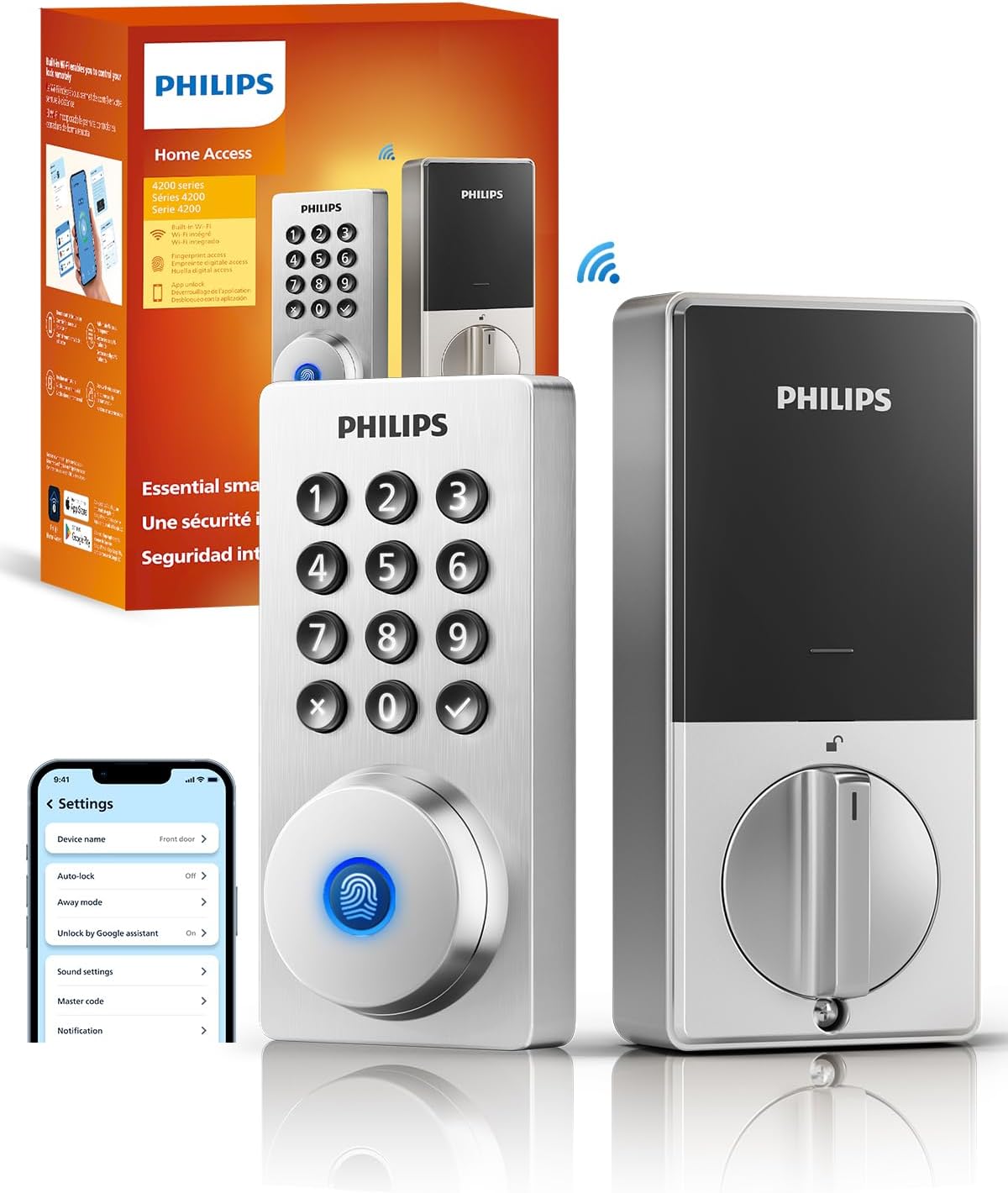
Philips Wi-Fi Smart Deadbolt Lock, Keyless Entry Door Locks for Front Door
A deadbolt first and a smart device second, with Wi-Fi built in and no separate hub to place
No camera, no doorbell, no fingerprint reader, so video means buying and installing a second product
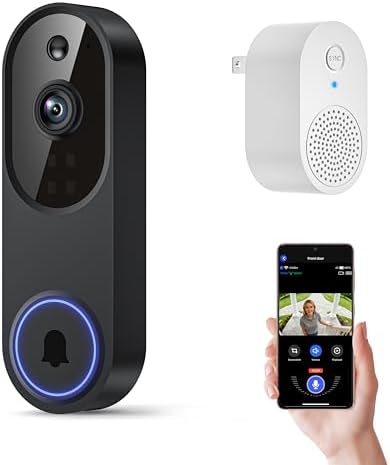
Orbitell 1080p Wireless Wi-Fi Video Doorbell Camera with Two Way Audio, Night Vision, Cloud Storage, Smart AI Motion Detection
The cheapest way here to get eyes and night vision on a porch, with motion detection that filters some of the noise
It is 2.4GHz Wi-Fi only, it is a camera and not a lock, and clips lean on cloud storage
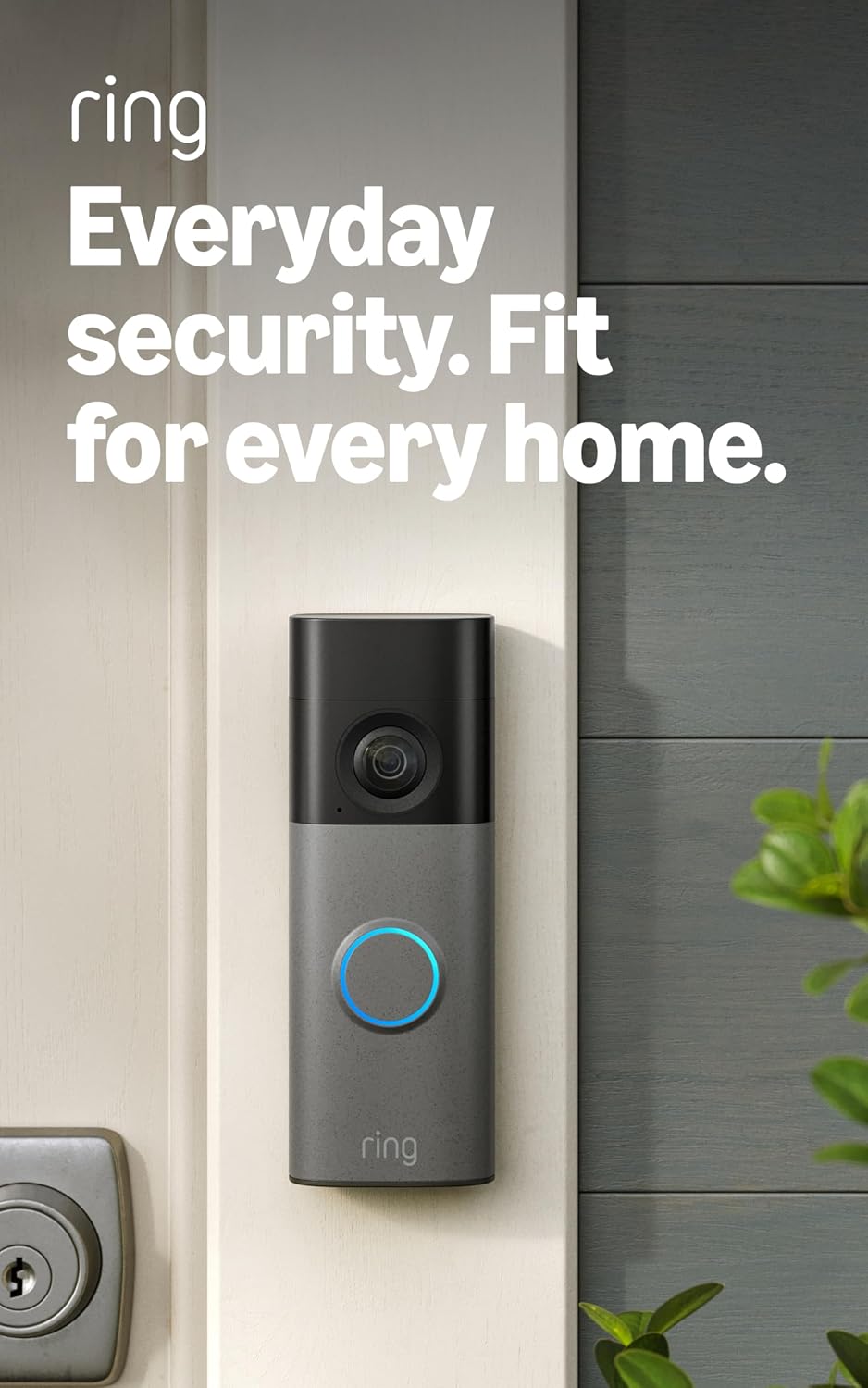
Ring Battery Doorbell 2K (newest model) Retinal 2K with wide-angle video, up to 6x Enhanced Zoom, Two-Way Talk, and Built-In Battery, Matte Mocha
2K video, a wide-angle lens, and up to 6x enhanced zoom, with a built-in battery that suits rentals
Doorbell only, so your existing deadbolt still has to be good, and the battery needs a charging routine
Prices and availability were captured from Amazon Creators API and may change.
How I judge a lock and a doorbell
Four questions decide every pick on this page, and none of them are about how the box looks on a shelf.
First, can a normal person install this on a real door without calling anybody? I mean a door that has been painted three times since 1998, with a strike plate that never lined up. A smart lock that installs in 20 minutes beats a spec sheet every single time, because that is what the buyer at 11 p.m. actually needs.
Second, will it pair on the first try on a normal 2.4GHz network, in the right order? This is where cheap devices die. The 2.4GHz requirement is hidden in the fine print while the box screams Wi-Fi, and the manual buries the setup sequence on page 14 of a foldout nobody reads.
Third, will a fingerprint reader still read a real finger at month seven? A reader that works at month one means nothing if it starts failing on wet or worn hands by summer. That is the spec nobody tests, and it is the reason I want a keypad or a key as a backup on anything with a fingerprint sensor.
Fourth, what does this cost per door when a landlord buys six of them? The sticker is not the number that matters. The number that matters is the sticker plus whatever monthly plan the useful features sit behind.
The all-in-one: Devo G1 Video Smart Lock
The Devo G1 is the one I would hand a first-time buyer who has exactly one front door and wants it handled. It is a smart lock, a camera, a doorbell, and a fingerprint reader in a single unit. That combination solves the thing that annoys me most about the category, which is that most people end up buying a lock and a doorbell separately, mounting both, wiring both, and then maintaining two apps and two batteries.
One install covers the door and the porch. If you are setting up an Airbnb and you want a guest to walk up, be seen, ring, and then get in with a code or a finger, this is the shortest path from unboxing to that moment. It is the same reason I keep telling hosts that a single device is easier to hand off than a two-device setup, because there is only one app for a cleaner to learn and only one thing to troubleshoot when a guest calls.
The honest trade-off is concentration risk. When one device is a lock, a camera, a doorbell, and a fingerprint reader, a pairing problem is not a pairing problem with your doorbell. It is a pairing problem with the way people get into your house. That is why the setup order matters more here than anywhere else on this list, and why I would test the fingerprint reader and the keypad backup in the first week, while the return window is still open.
The deadbolt purist: Philips Wi-Fi Smart Deadbolt
The Philips Wi-Fi Smart Deadbolt does one job and does not pretend otherwise. Keyless entry on a front door, Wi-Fi built in, no separate gateway to plug into an outlet and forget about. If your priority is that the right people get in and everyone else stays out, this is the cleanest version of that idea in this group. There is no camera pointed at your neighbor's driveway and no fingerprint sensor to degrade.
A lock's job is to let the right people in and keep everyone else out. Every smart feature is decoration until the deadbolt actually throws. So the first thing I check on any deadbolt install is the bolt throw. If the bolt does not fully extend into the frame, the door looks locked and opens with a credit card. Check it after every install, smart or not, because no app on earth fixes a misaligned strike plate.
What you give up is video. There is no camera and no doorbell here, so if you want to see who is on the porch, you are adding a second device and a second app. For a lot of people that is fine. Two devices that each do one job well beat one device that does four jobs badly. The question is whether the Devo G1 does four jobs badly, and that is what the return window is for.
Doorbells: Orbitell 1080p against Ring Battery Doorbell 2K
If you already have a deadbolt you like, a doorbell is the cheaper upgrade and the one with the clearest job.
The Orbitell is a 1080p Wi-Fi doorbell with two-way audio, night vision, cloud storage, and motion detection that uses some on-device filtering. It supports 2.4GHz Wi-Fi only. That last part is not a footnote, it is the whole install. If your router broadcasts 5GHz only, or splits the two bands into names you have never looked at, this doorbell will never connect, and the manual will not tell you why. I have watched people factory reset a perfectly good device four times because nobody told them which band it speaks.
What you get for the money is the basics done: a picture of the porch, a picture at night, and a way to talk to whoever is standing there. What you do not get is a lock, and the cloud storage line means you should read the listing carefully and decide whether you are comfortable with a plan for clips. Paying monthly to open your own door is the worst deal in smart home. Paying monthly to keep video clips is a normal deal, but you should know which one you are signing up for before the box arrives.
The Ring Battery Doorbell 2K is the other side of that trade. It shoots 2K, it has a wide-angle lens, it offers up to 6x enhanced zoom, and it runs on a built-in battery. For renters and for anyone whose doorbell wiring is dead, missing, or not worth touching, battery power is the feature that makes the whole thing possible. Field of view beats resolution in my book, but wide angle plus 2K plus zoom is the combination that lets you read a license plate or identify a face instead of guessing at a hat.
The costs are real. It is a doorbell only, so the deadbolt behind it still has to be worth trusting. The battery means a charging routine, and the first time you forget is the first time you have a dead doorbell. And 2K video with zoom is exactly the kind of feature that tends to sit behind a cloud plan, so read the listing before you buy.
If I am choosing between these two for a rental, I lean Ring for the picture quality and the battery, and Orbitell for a tight budget where a 1080p look at the porch is genuinely enough.
The setup order nobody prints in the manual
This is the part of the job that turns a 20-minute install into an hour on support chat, and it applies to every device on this page.
Pair the lock or the doorbell to the app first. Then add the gateway, if there is one. If you did it backwards, you are looking at a factory reset, and a factory reset wipes every code you set. I have done that twice in a month for other people, and it is the punishment for doing the order wrong.
Before you start, get on your phone and confirm your 2.4GHz network name and password. Not the 5GHz one. The 2.4GHz one. Then put the phone on that network and leave it there for the whole setup. The number of "defective" locks I have seen returned over a band mismatch is the single most wasteful thing in this category.
What it actually costs per door
A landlord buying six of anything should ignore the sticker and do three minutes of math. Add the device, add anything you need to mount or adapt it, add any plan the useful features require, and then multiply by the number of doors. A cheap device with a mandatory plan can pass an expensive device with no plan by year two.
That math is also how I decide between the all-in-one and the pair. The Devo G1 replaces two purchases and two installs with one of each, which is real money and real Saturday morning. The Philips deadbolt plus the Ring doorbell is two installs but gives you two devices that fail independently, which is real peace of mind. Neither answer is wrong. They are different bets.
Which one for which door
For a single front door where you want entry and video handled in one shot, the Devo G1 is the pick.
For a front door where the deadbolt is the whole point and you do not want a camera watching the street, the Philips Wi-Fi Smart Deadbolt is the pick.
For an apartment or a rental with bad wiring and a lock you are not allowed to change, the Ring Battery Doorbell 2K is the pick.
For the tightest budget where a 1080p look at the porch and night vision are enough, the Orbitell is the pick.
What I am watching next
I am still logging pairing failures and battery drops across ten locks and four doorbells in a 90-day rental turnover test, three Airbnbs and two long-term units, through a Columbus winter. The things I care about are boring and specific: whether the app-first pairing order holds, whether a fingerprint reader still reads a cold hand in February, and how many times a battery doorbell actually needs charging on a door that gets real traffic. Those numbers, not the box copy, are what will decide next year's picks.